Command a fleet of agents, designed for hackers cracking the matrix.
Create Codex, Claude Code, Antigravity, and smith sessions all in one place. Or let your agent coordinate them in a terminal crafted for hardcore hackers like you. Remote control from your phone when you're in motion.
-
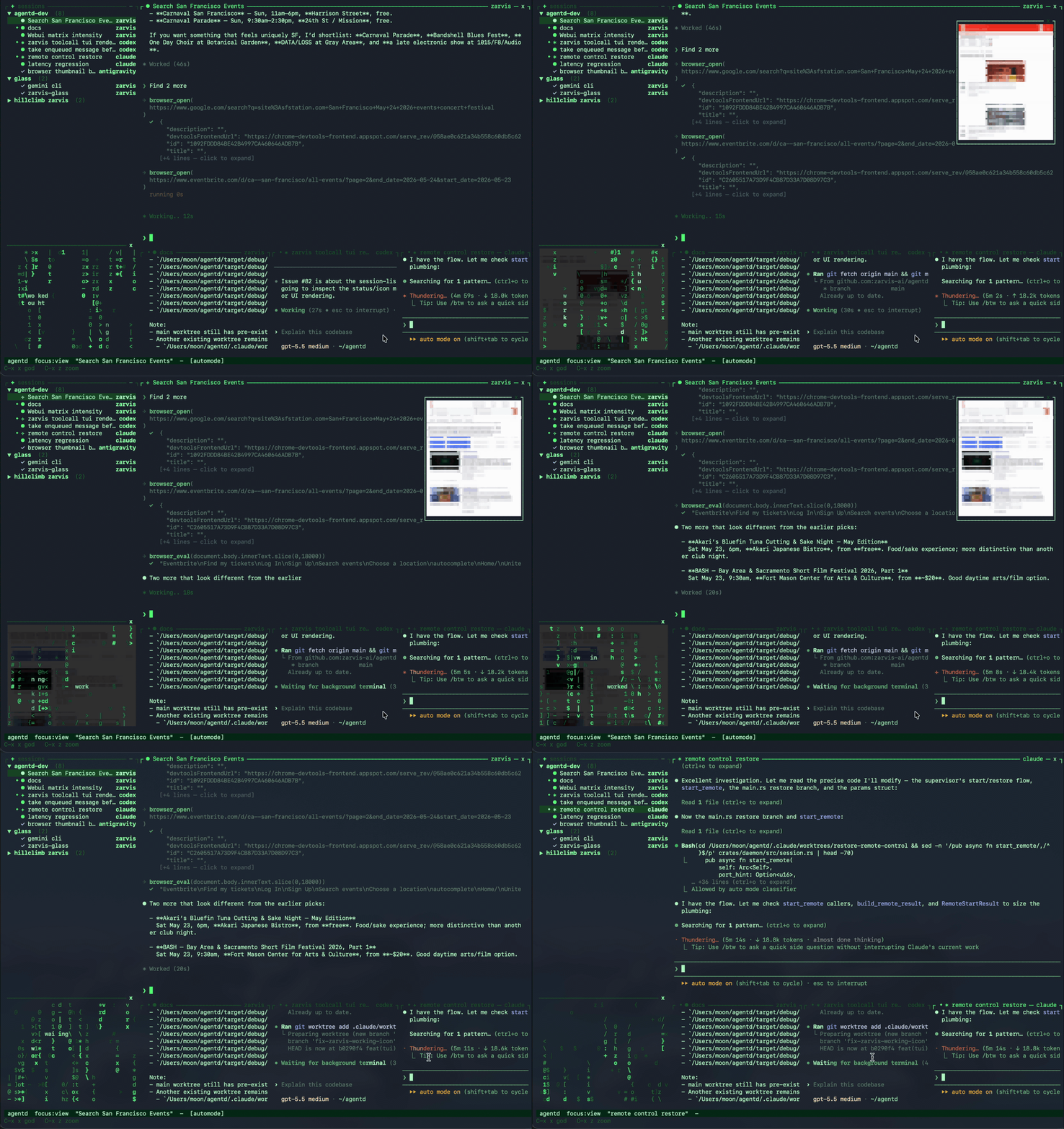
One cockpit for every agent — attach to Claude Code, Codex, Antigravity, smith, or a shell process from one focused workspace that rewards attention.
-
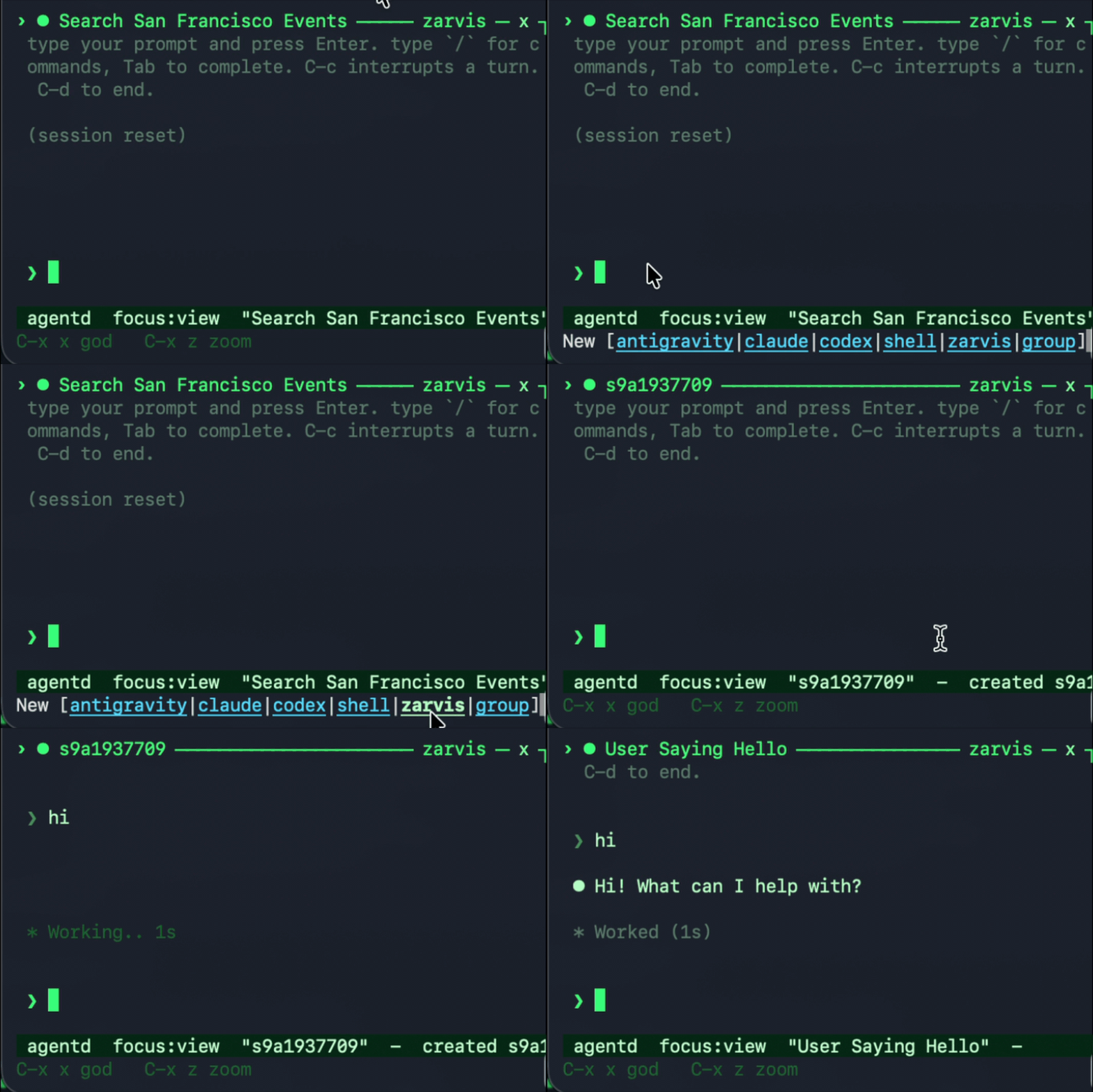
A delightful way to manage multiple Claude Code and Codex sessions — switch sessions instantly, pin multiple sessions to monitor, or let an agent observe all your sessions across different harnesses.
-
Agent-to-agent orchestration — MCP tools let an agent list sessions, read output, spawn helpers, send input, inspect diffs, and drive Chrome.
-
ACP (Agent Client Protocol) server — point Agent Client Protocol clients at
construct acpto create, load, resume, prompt, cancel, and close construct daemon sessions through the same installed binary. -
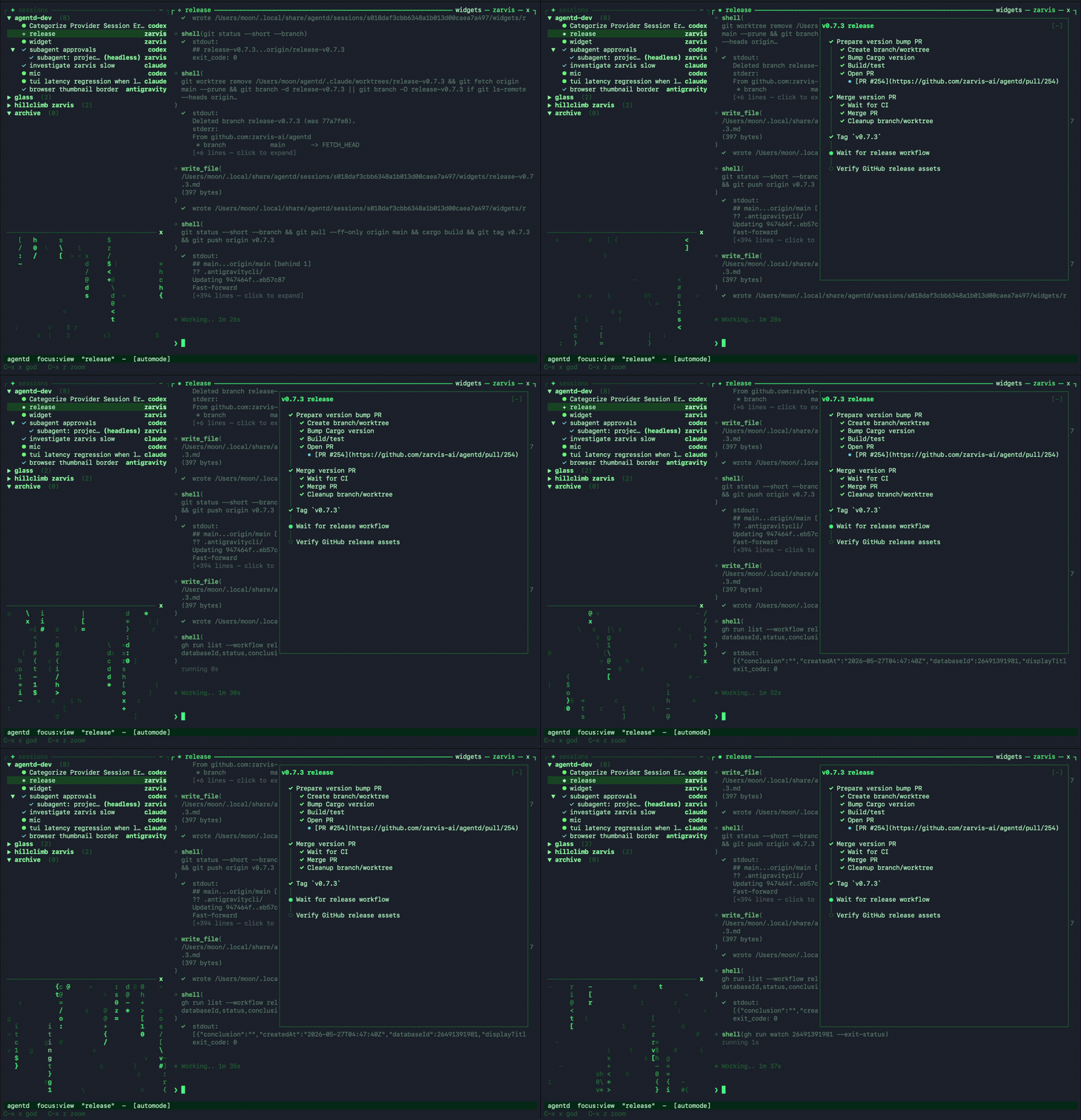
Generative widgets — construct generates and updates widgets for your task, so you can track progress, review outputs, and take action without leaving the TUI or web client.
-
Remote control when you step away —
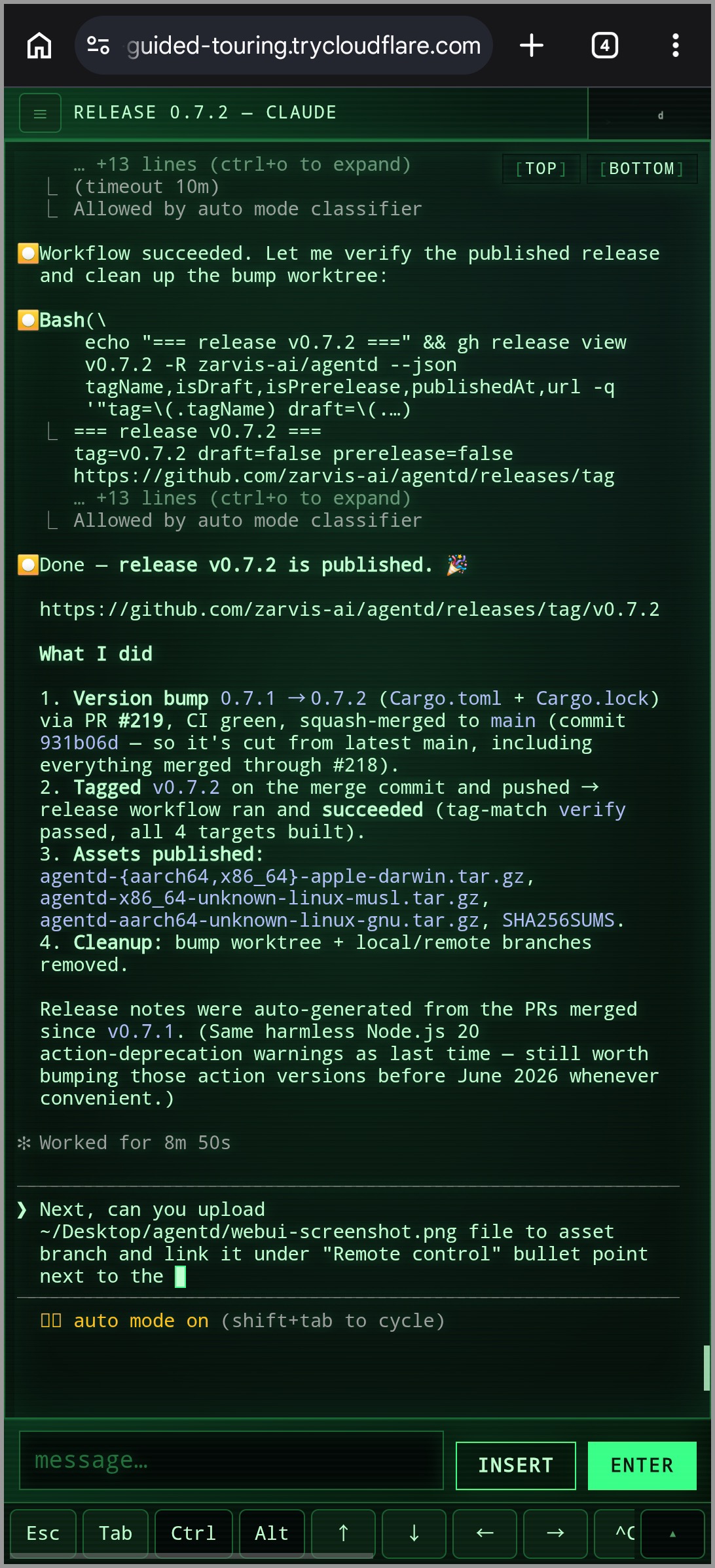
/remote-controlopens a browser-accessible web client with a QR code. Connect from your phone, no service signup, no setup required.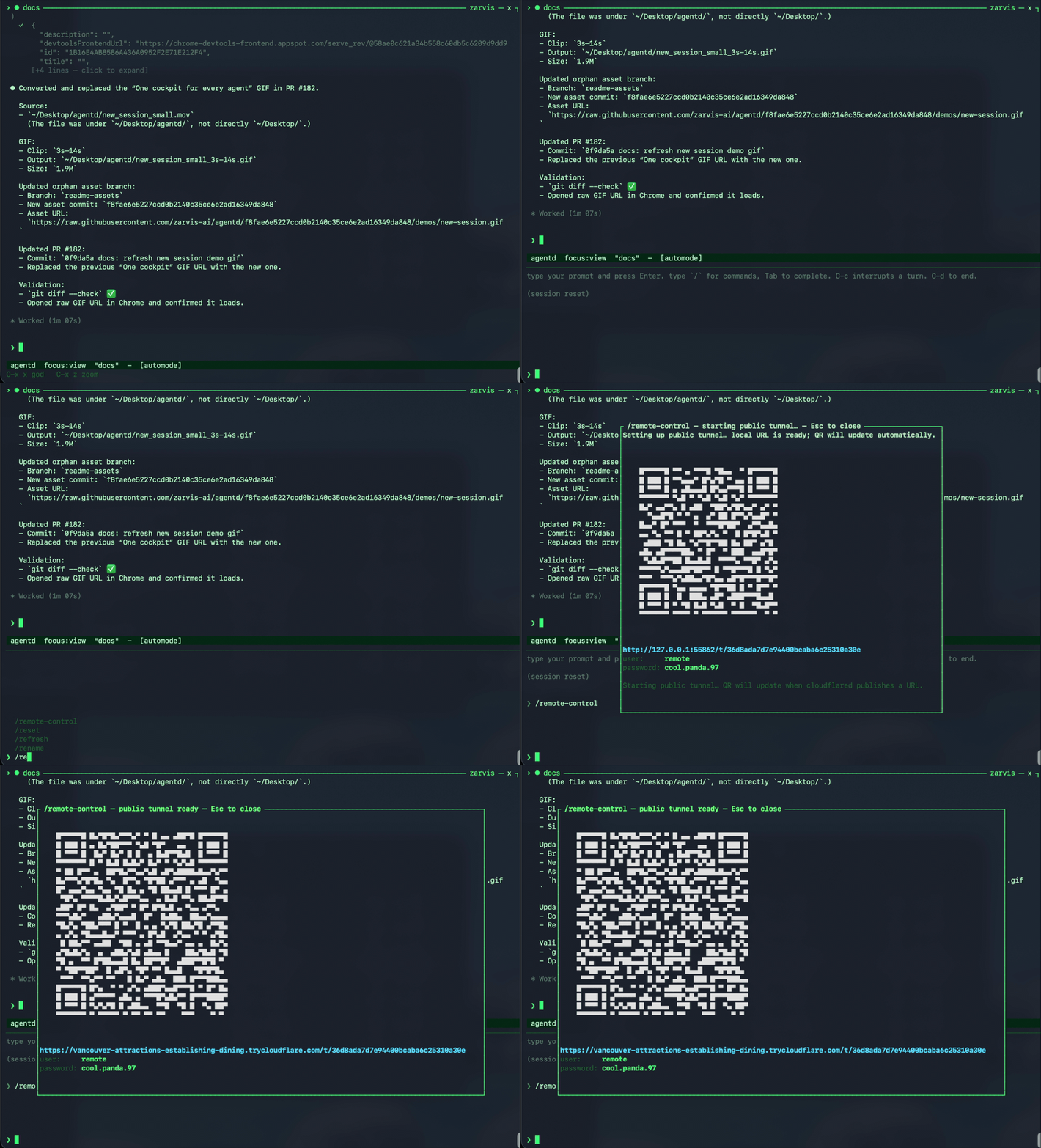 →
→ 
-
Extensible harness protocol — adapters are separate processes speaking JSON-RPC over stdio, so new tools can plug in without changing the daemon.
Bring the agents you want to run. construct wraps the CLIs already on your
machine, so install whichever harnesses you use, keep them on PATH, and log in
first:
- Codex — install the
codexCLI and complete its OAuth login. - Claude Code — install the
claudeCLI and complete its OAuth login. - Antigravity — install the
agyCLI and complete its OAuth login. - smith — built in to construct. Talks to OpenAI, Anthropic, or Google Gemini via API key, a local Ollama, a ChatGPT subscription via Codex OAuth, or a Claude subscription via the authenticated Claude Code CLI.
Once those CLIs are available and authenticated, construct can create and resume
their sessions from the fleet TUI.
The installer downloads the right prebuilt binary for your platform, verifies its SHA-256 checksum, and drops every binary into one directory on your PATH:
curl -fsSL https://raw.githubusercontent.com/zarvis-ai/agentd/main/install.sh | shPin a version or change the directory with CONSTRUCT_VERSION=v0.2.0 /
CONSTRUCT_BIN_DIR=/usr/local/bin.
constructIf no daemon is running yet, construct auto-starts one in the background and
attaches — there's no separate daemon step. (Opt out with
CONSTRUCT_NO_AUTOSTART=1, e.g. in scripts that manage the daemon themselves.)
Use ? for help and M-x for the command palette. From the TUI you can create
sessions, switch between agents, send input, inspect diffs, and interrupt or stop
work without leaving the flow.
To run the daemon explicitly instead (e.g. on a server, or under a process supervisor):
construct daemon runIt owns sessions, persists state, and exposes the local IPC socket used by clients.
Happy hacking. Chase the dream idea from your terminal: ask Codex, Claude Code, Antigravity, and smith to dive into the hard parts, then keep steering from your phone when you're in motion.
construct upgrade            # install the latest release (atomic in-place replace)
construct upgrade --check    # just compare your version against the latest
construct upgrade --restart  # upgrade, then restart a running daemon to apply
construct upgrade re-runs the installer for you (pin a release with
--version vX.Y.Z); re-running the install one-liner does the same thing. A
running daemon keeps the old code until it restarts — pass --restart, or run
/construct restart in the TUI, to pick up the upgrade without losing sessions.
The TUI also surfaces a one-line notice when a newer release is available
(disable with CONSTRUCT_NO_UPDATE_CHECK=1).
construct acp runs an Agent Client Protocol stdio server. Configure ACP
clients to launch this command:
construct acpIt auto-starts the daemon if needed, then maps ACP session lifecycle calls onto
construct daemon sessions. Use --harness, --model, or --cwd to set
defaults for session/new requests that omit those fields.
git clone https://github.com/zarvis-ai/agentd.git
cd agentd
cargo build --workspace
Debug binaries land in target/debug/:
target/debug/construct— TUI, control CLI, the daemon (construct daemon run), ACP stdio server (construct acp), MCP bridge (construct __mcp, internal), and all harness adapters (construct __adapter <name>, internal)
For an optimized build, use cargo build --workspace --release and replace
target/debug with target/release.
- Architecture — daemon/client split, crates, and the Agent Harness Protocol (AHP).
- Harnesses and session modes — supported adapters, interactive vs. headless modes, worktree isolation, and resume behavior.
- smith built-in agent — providers, model selection, tools, approvals, automode, and hooks.
- Unified tool layer — MCP servers and shared tools for fleet control, browser automation, and agent coordination.
- Generative widgets — agent-generated Markdown UI for compact session-scoped task state, timelines, and action links.
- Memory — durable Markdown context for project workflows, decisions, preferences, and pitfalls.
- Configuration — XDG paths,
CONSTRUCT_*overrides, and TUI theme customization. - Remote control — phone/browser access, QR setup, credentials, and local debug mode.
MIT — see LICENSE.