

Arch. Retro. Neon. A complete Arch-based distribution that turns your desktop into a retro-future masterpiece.


RetroLinux is a full Arch Linux distribution with a curated retro-neon identity — but under the hood it's a modular framework you drive entirely from one command: retro
One CLI to rule the desktop: 30+ tools for audio, network, power, themes, wallpapers, GRUB, drivers, fonts, firewall, fingerprint, SSH, timeshift and more. A GTK4 desktop GUI (retro settings) for point-and-click config. A QML shell (RetroShell) that is your desktop. A Lua event daemon that reacts to battery, power, bluetooth, USB, audio, SSH and updates — live.
Built on a strict two-layer architecture (cmds/ UI → scripts/*_core.sh logic) so every feature is predictable, scriptable, and testable.
Rock solid by design. Every install runs on BTRFS with Timeshift snapshots wired straight into the GRUB bootloader — break something, and roll back to a working snapshot right from the boot menu. That's the RetroLinux safety net.
Built on Arch Linux, tuned for the retro-neon aesthetic — but fast, modern, and yours to break.
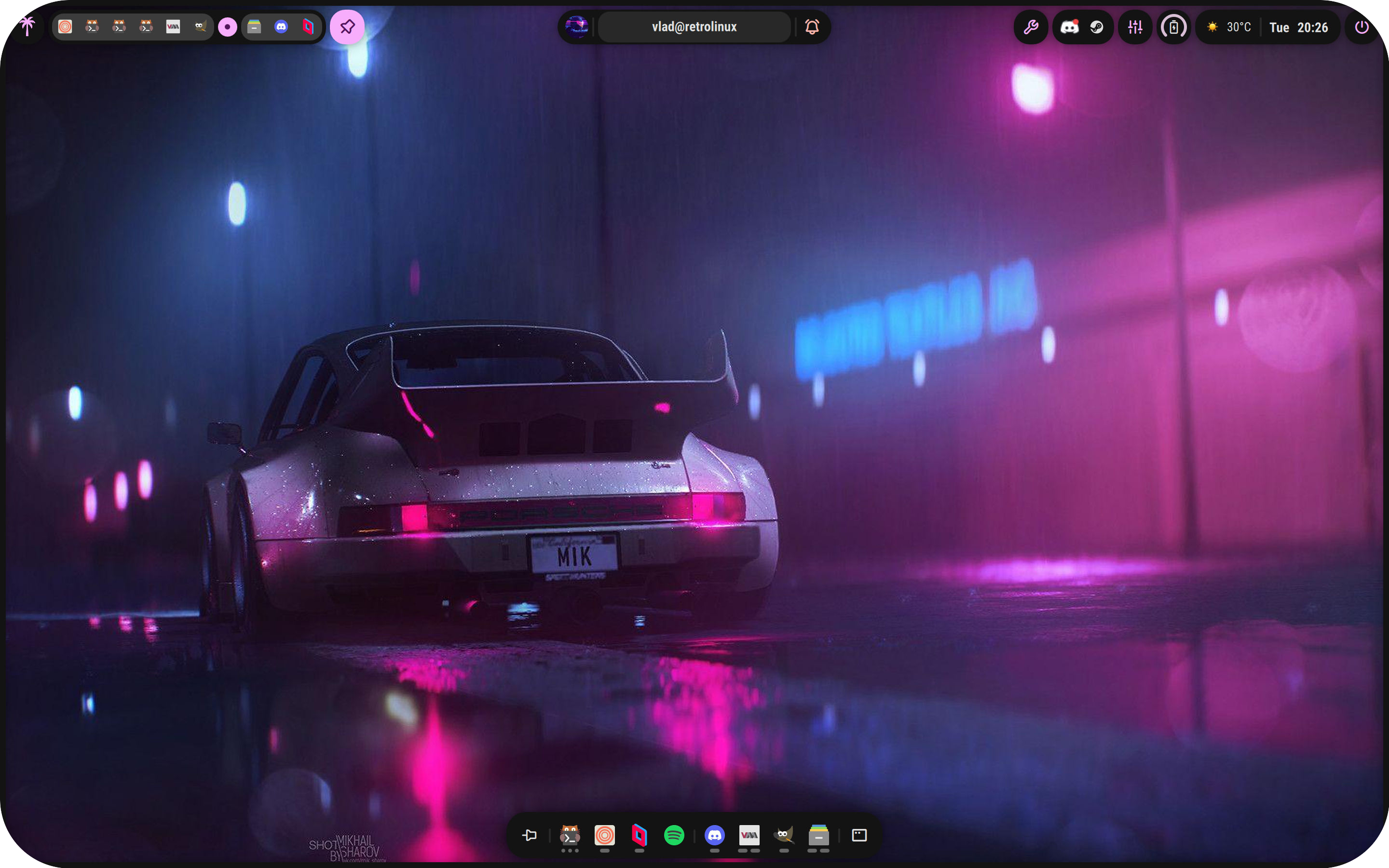
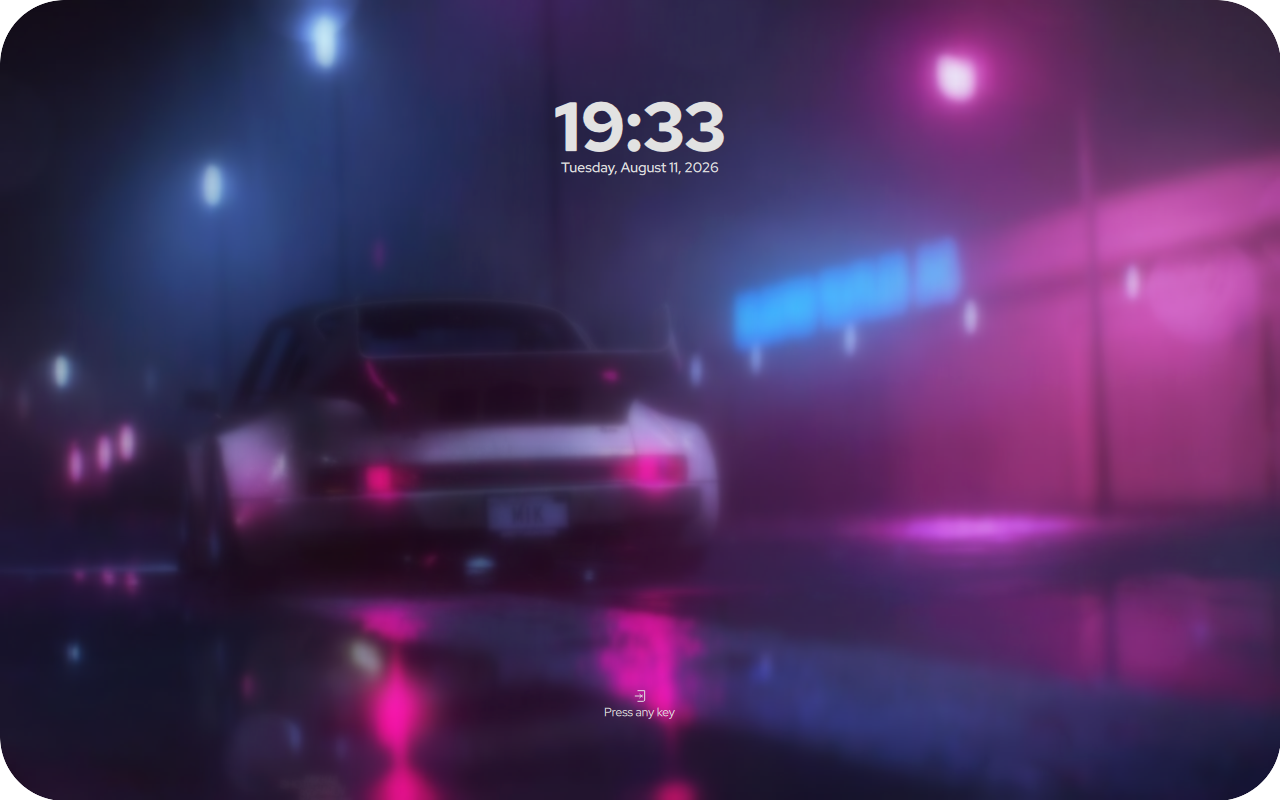
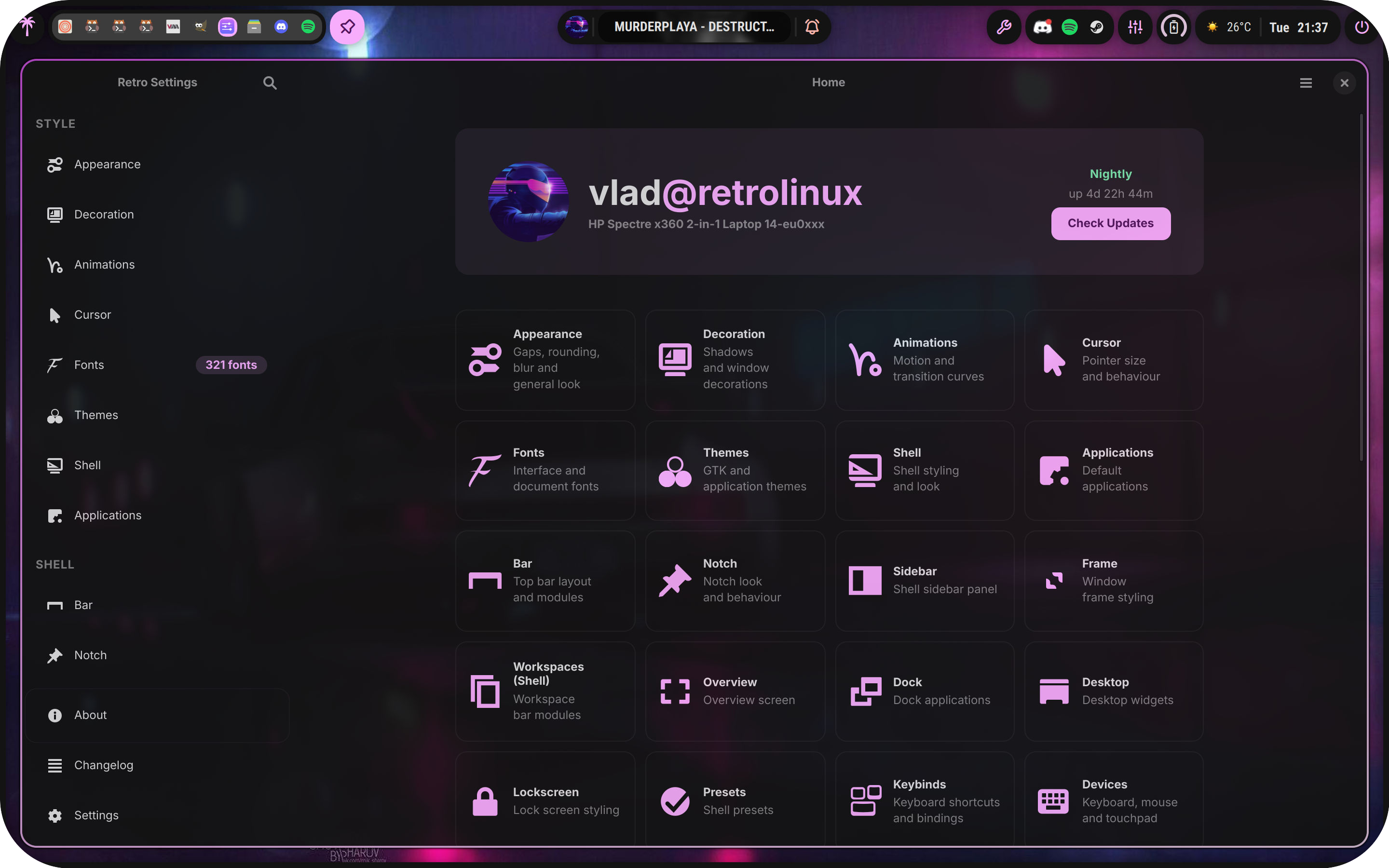
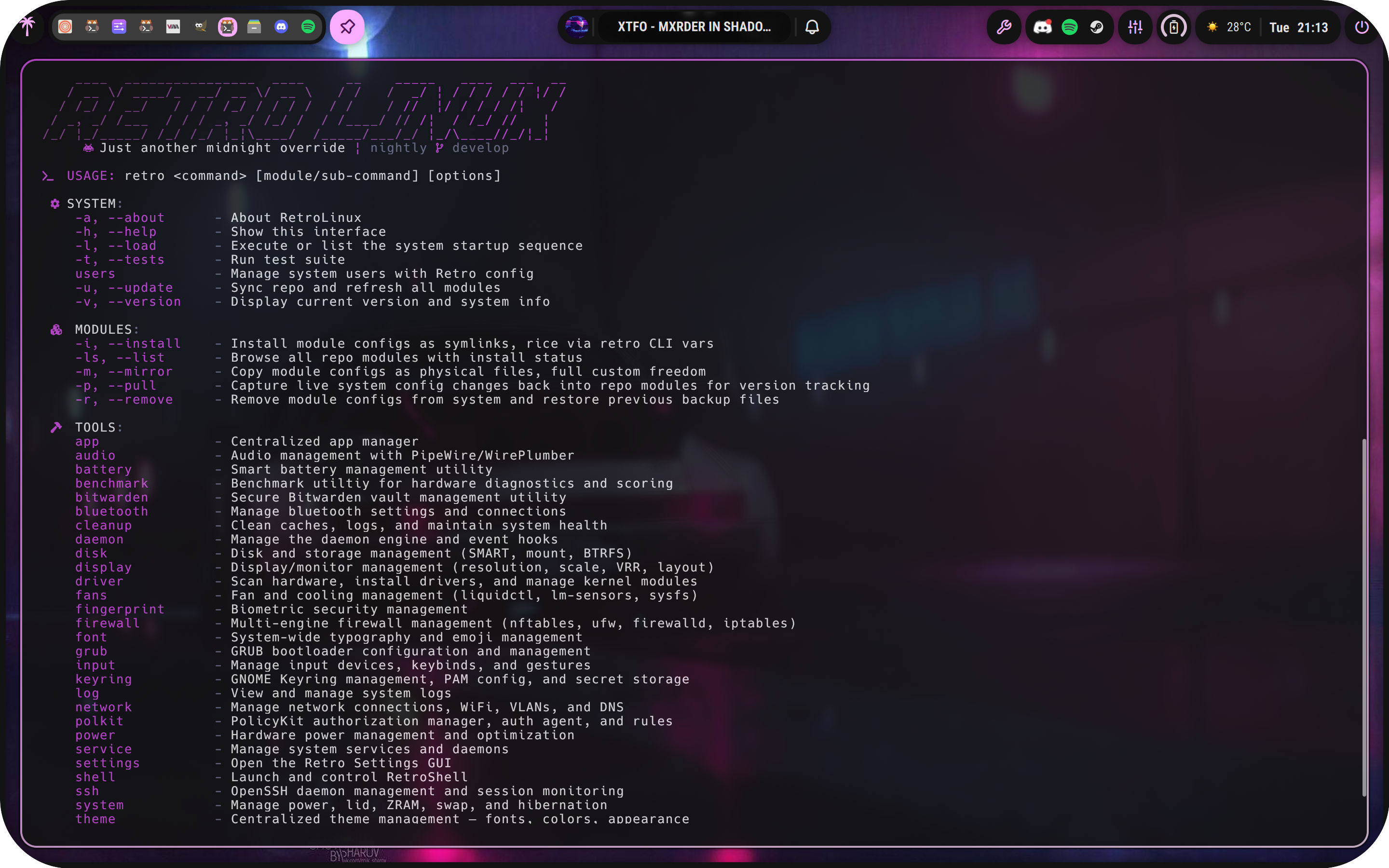
A look at the RetroLinux experience — the RetroShell desktop, the Retro Settings GUI, the retro CLI, the installer, and the GRUB boot themes.
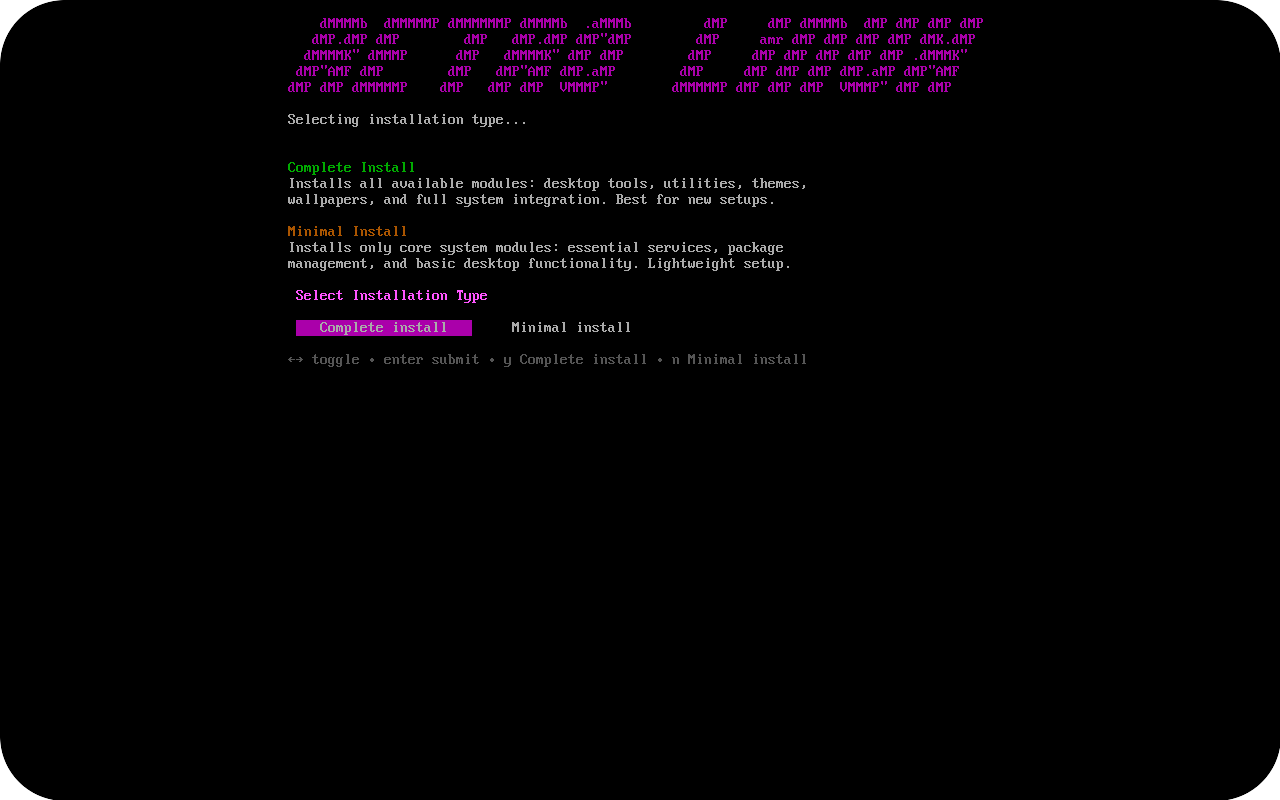
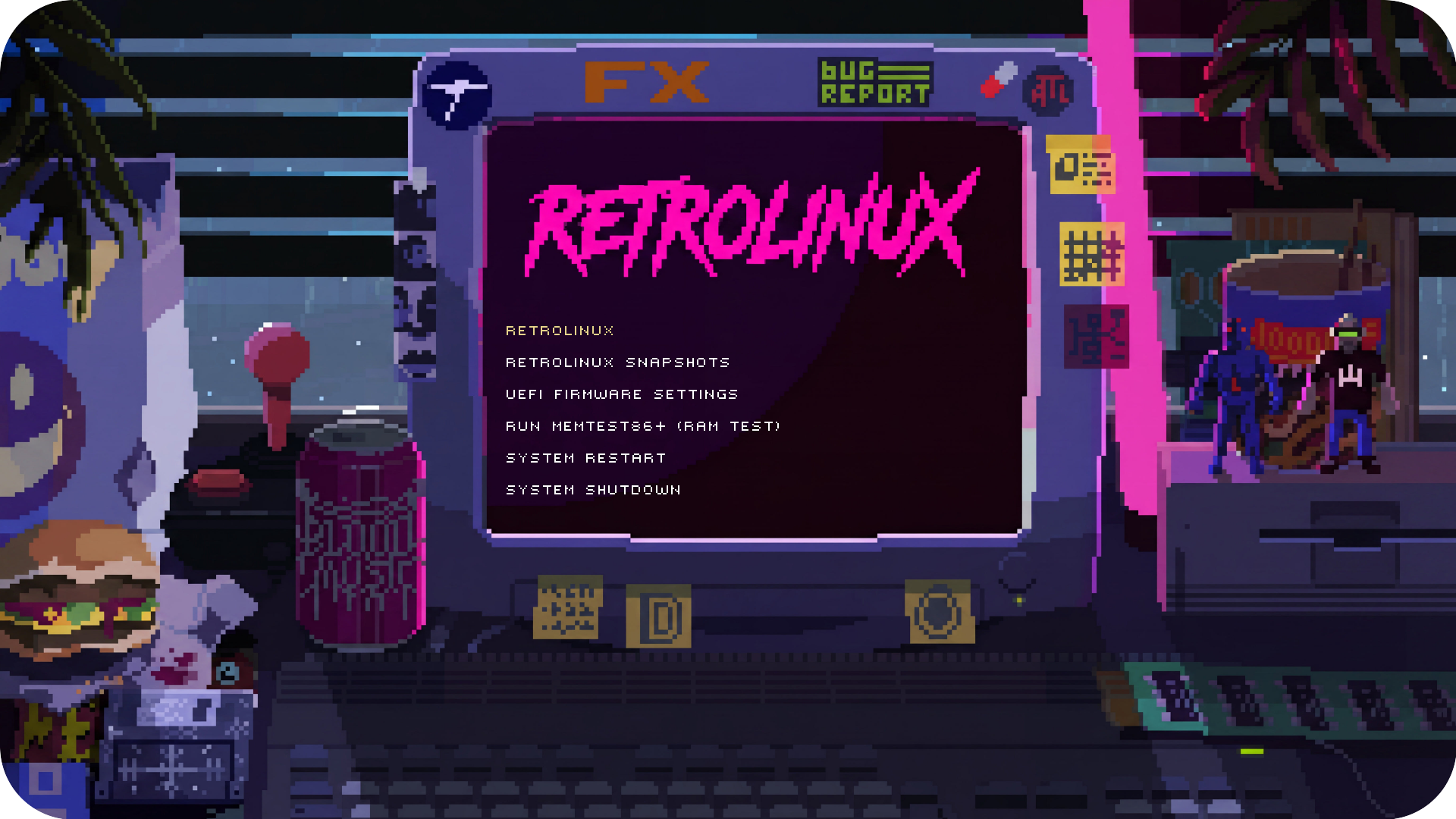
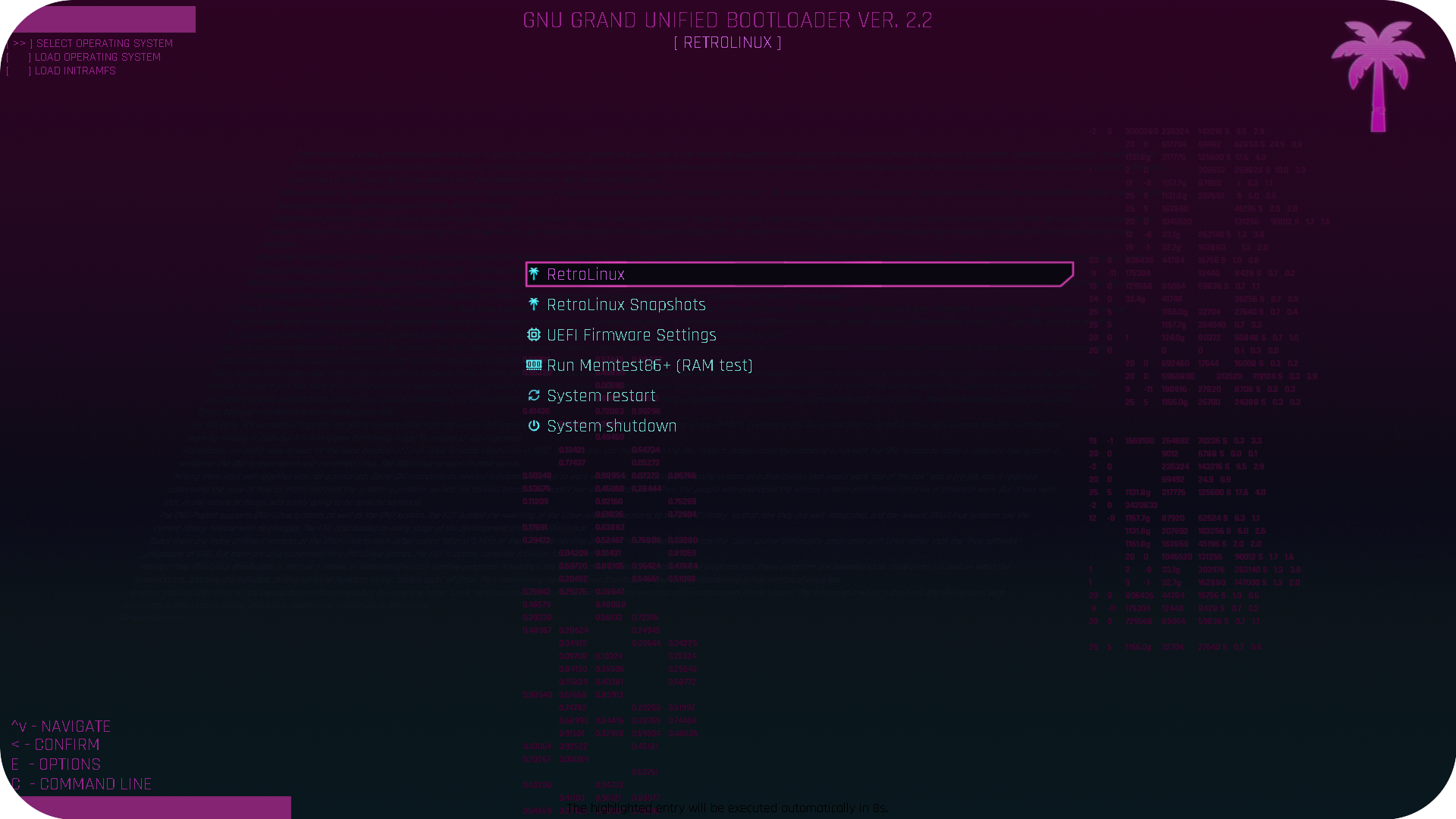
| 🧭 Guided Installer | A 25-step interactive TUI that drives archinstall — BTRFS with zstd compression + Timeshift snapshots, optional LUKS encryption, Hyprland + SDDM. Boot the ISO, done. |
| 🧰 Full Ricing CLI | 30+ tools from one command — audio, network, power profiles, themes, wallpapers, GRUB, drivers, fonts, firewall, SSH, timeshift and more. |
| 🎛️ Retro Settings GUI | A GTK4 + libadwaita app with a page for every tool. Point-and-click config with live apply, search and undo — no config-file spelunking. |
| 🌴 Alive, Not Static | RetroShell, a QML desktop shell (bar, dock, launcher, notifications, lockscreen), plus a Lua event daemon — 14 watchers, 20+ events reacting to battery, power, bluetooth, USB, audio, SSH and updates. |
| 🔒 Modular & Secure | 15 config modules (symlink or copy) and hardened defaults — optional LUKS, granular sudo, SSH hardening and an nftables firewall. |
Switch your entire look in one shot. Pick a palette, apply it, done — or drop in your own JSON themes, nothing is locked down.


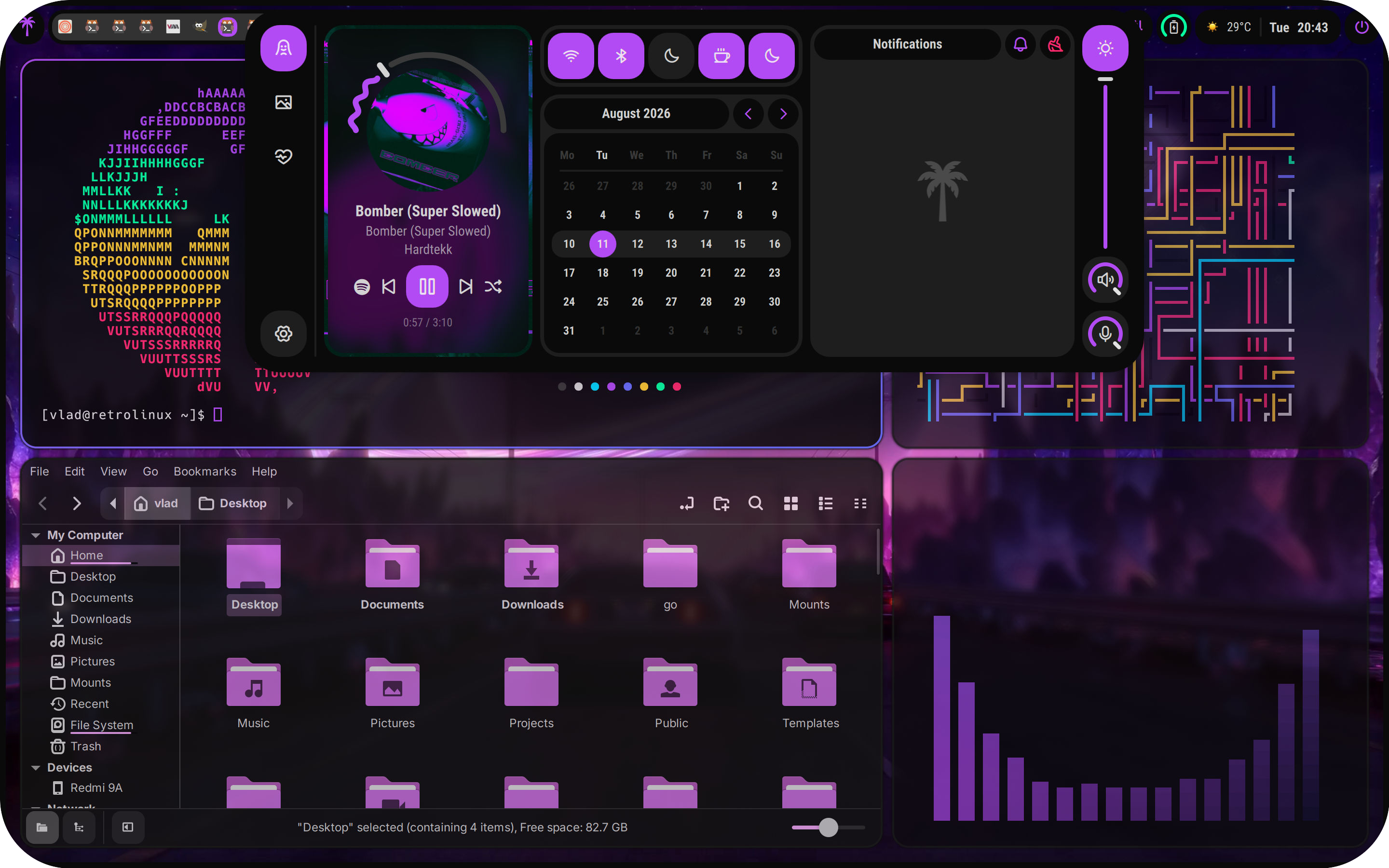
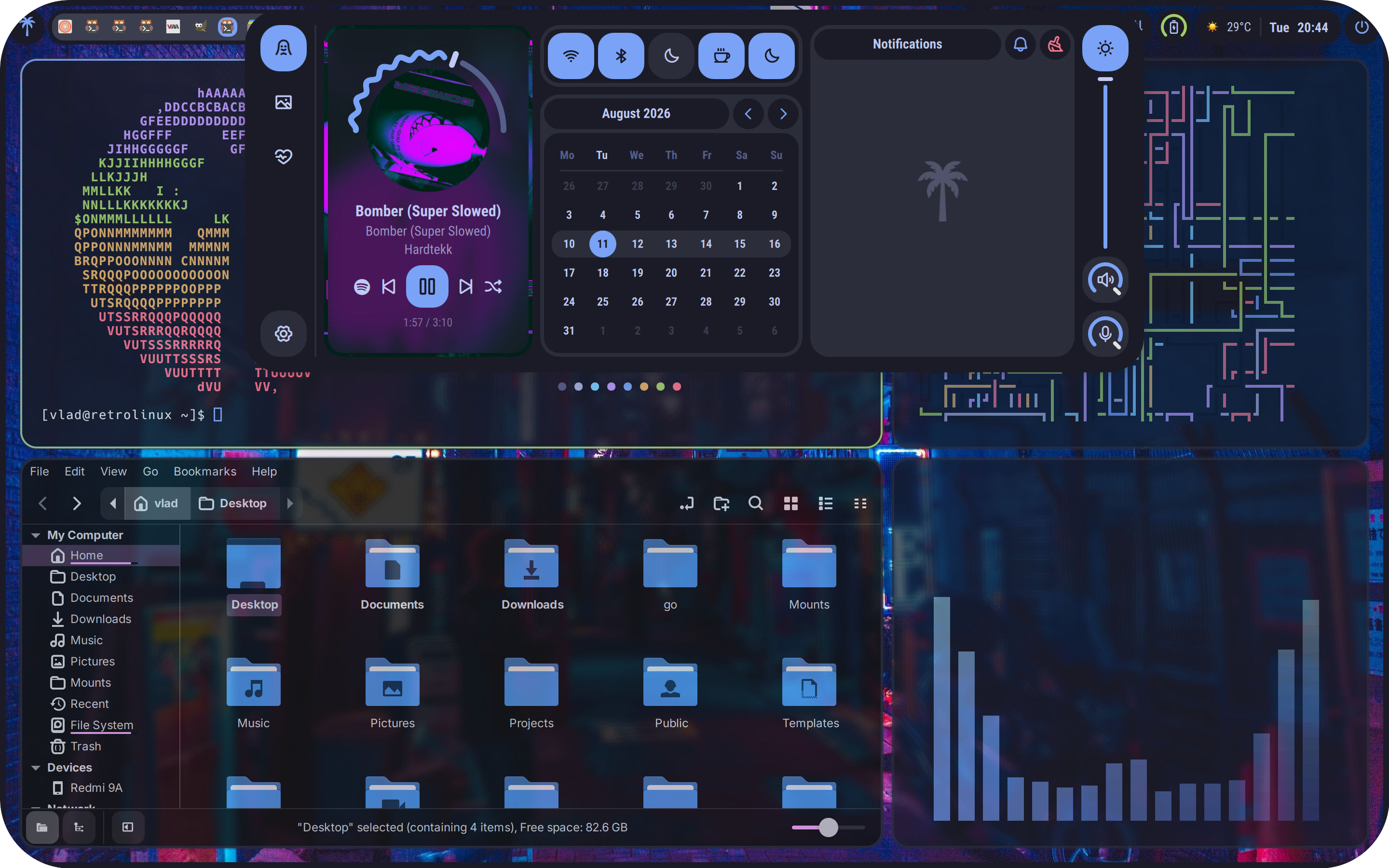
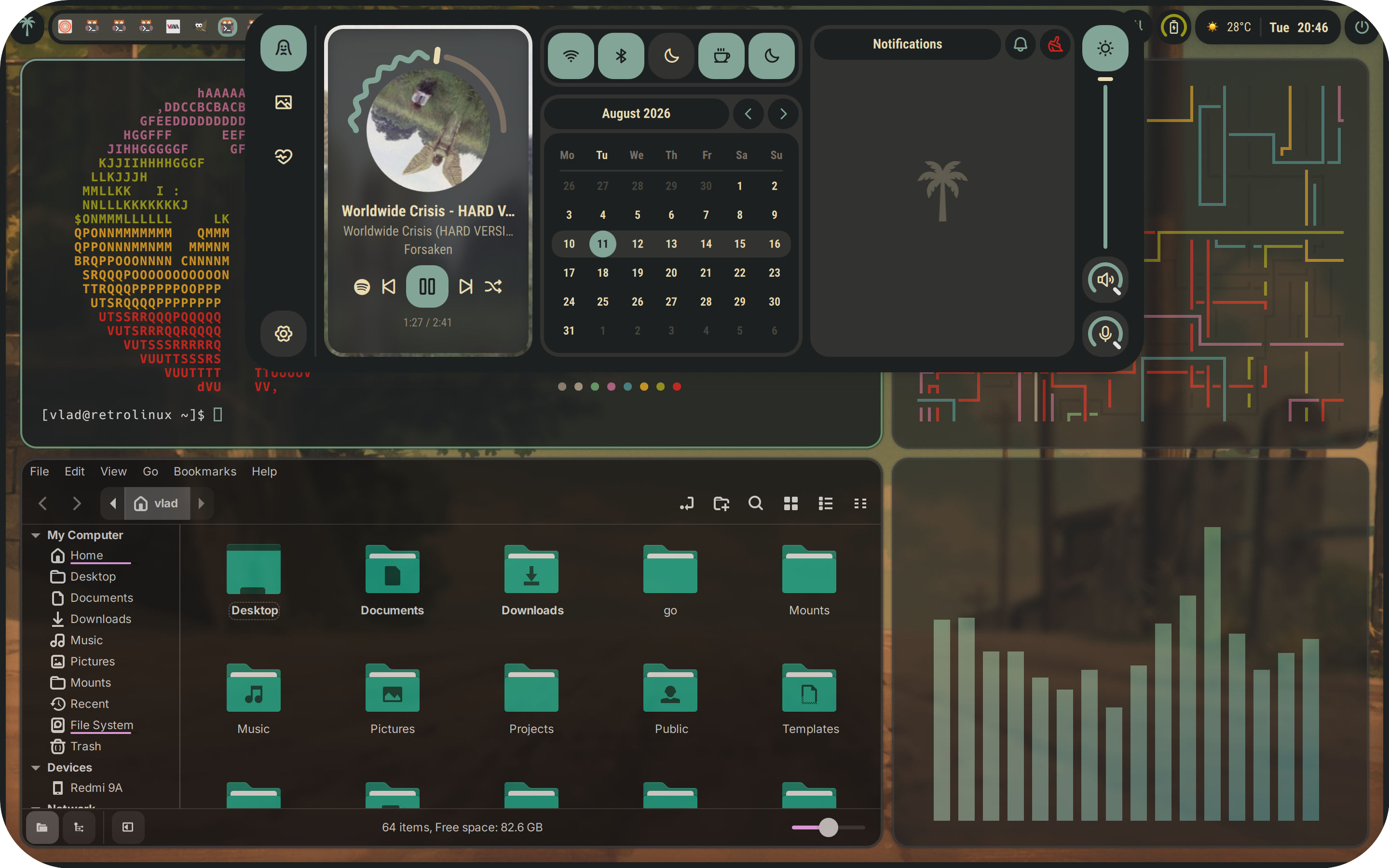
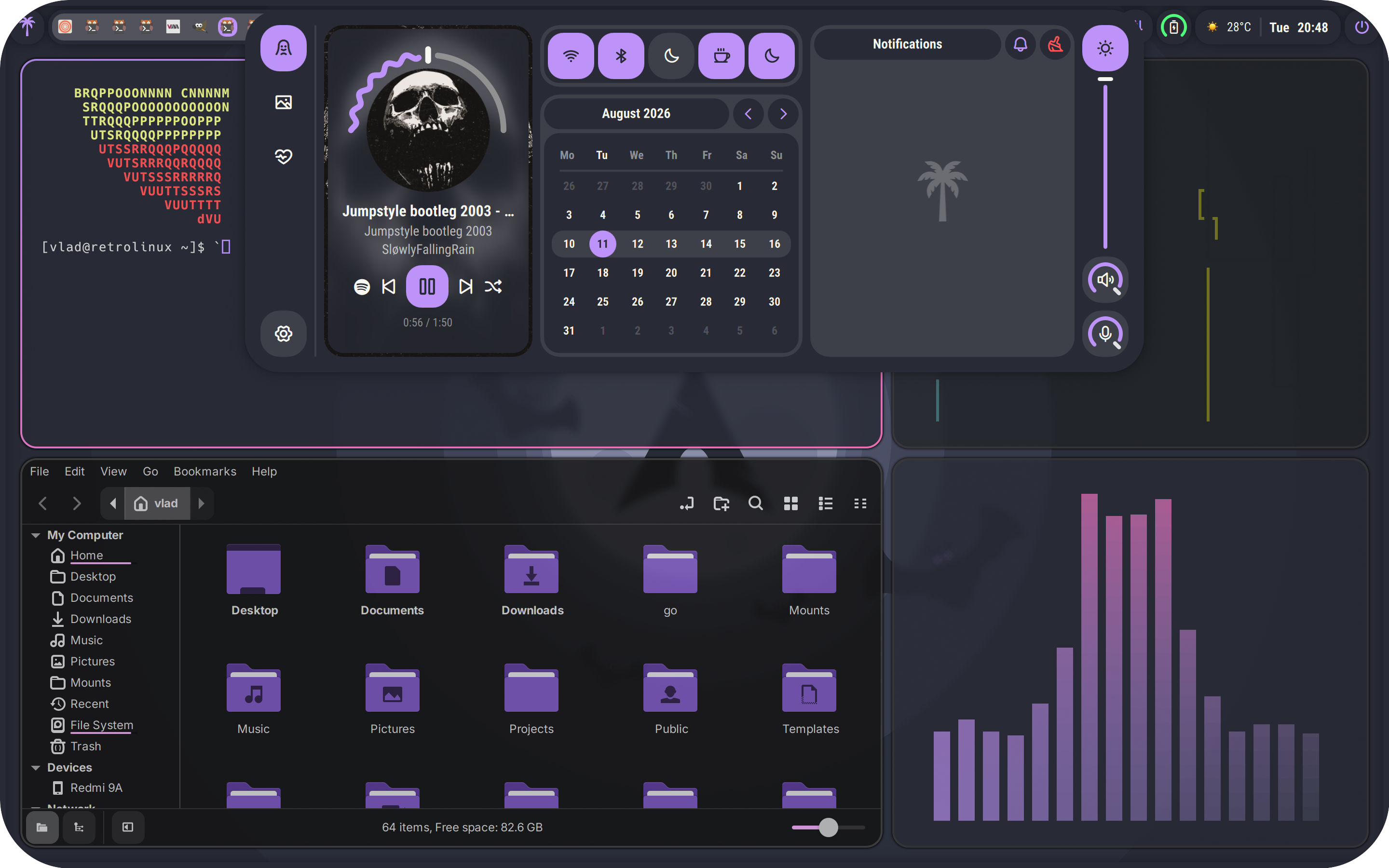
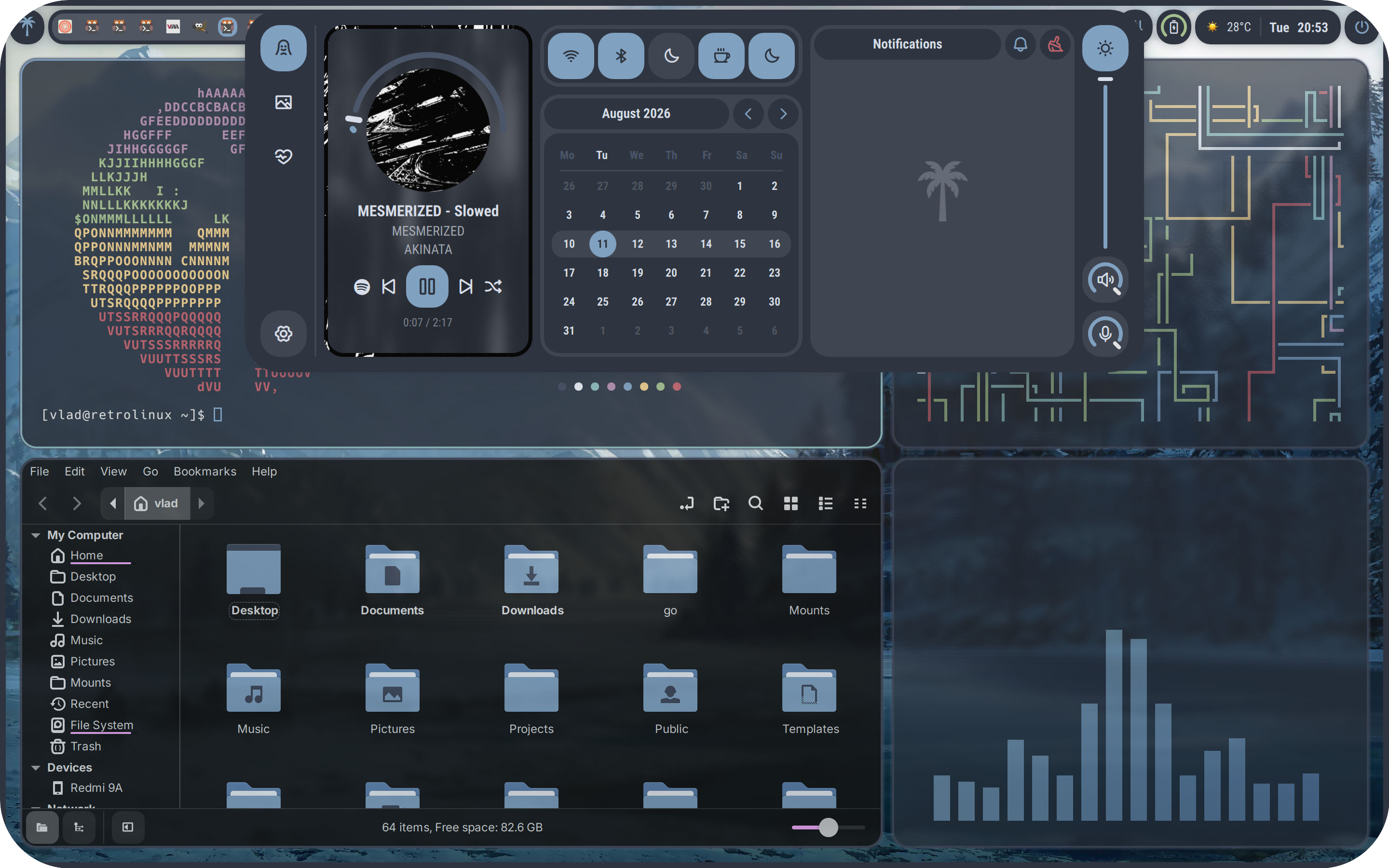
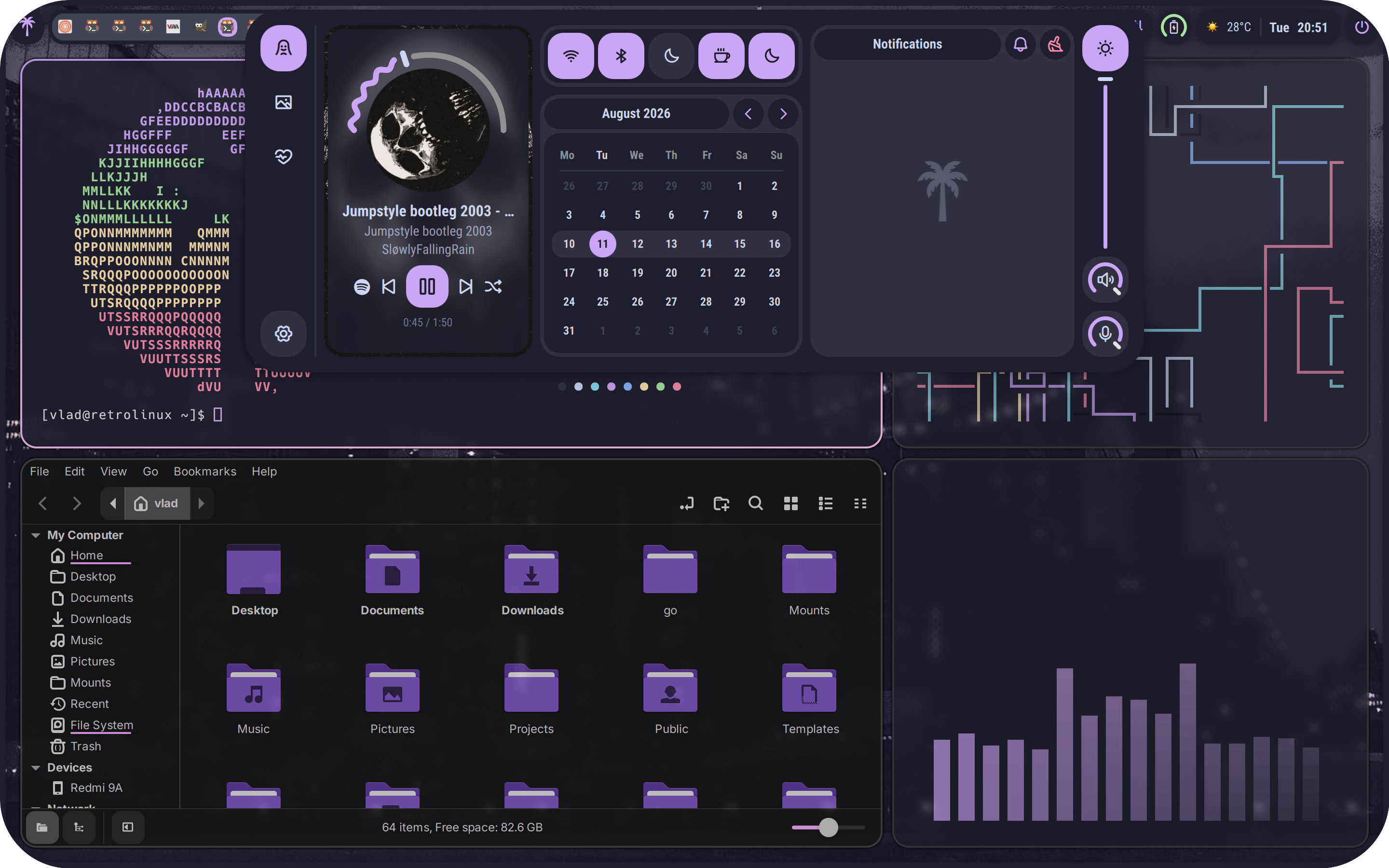
Palettes live in themes/ as JSON — 43 and counting. Themes cascade across your terminal, shell, SDDM, GRUB and wallpapers.
Wallpaper collections live in their own repo — check out github.com/itsvlxd/retrowallpapers.
RetroLinux detects your hardware during install and picks the right drivers automatically — no hunting for packages.


- NVIDIA —
nvidia-open-dkms+nvidia-utilswith full lib32 + OpenCL support, Wayland-ready (DRM modeset/fbdev enabled, GBM + NVD backends configured), the initramfs rebuilt with the NVIDIA modules, Optimus support for hybrid laptops, and CUDA/cuDNN + NVIDIA container toolkit for AI/ML. - AMD — open-source
amdgpu+mesa, zero-fuss - Intel —
intel-media-driver, i915/xe out of the box
GPUs, CPUs, audio and network chips are all auto-detected — check the result anytime with retro driver status.
RetroLinux is installed from the live ISO — no manual Arch setup required.
Grab the latest ISO from the Releases page — boot it, and the installer runs automatically.
| Stage | When | What |
|---|---|---|
| 1 · Live ISO | At boot of the live environment | retroinstall walks through 25 setup steps, then runs archinstall with generated JSON configs |
| 2 · Chroot | Right after archinstall |
Post-install hooks configure the repo, packages, network and AUR helper in the target system |
| 3 · First boot | Your first login | Post-install setup applies modules, wallpaper, drivers and keyring automatically |
retro help          # every command, grouped
retro settings # launch the Retro Settings GUIDo I need to know Arch Linux to use RetroLinux?
No. The live ISO installer walks you through everything in 25 guided steps — you never touch a partition table or a pacman flag during setup.
Will it work on my hardware?
RetroLinux targets x86_64 systems with an NVIDIA, AMD or Intel GPU. The installer detects your hardware and installs the matching drivers automatically.
Is NVIDIA supported?
Yes — `nvidia-open` / `nvidia-dkms` with full lib32 support, configured for you during install.
How do updates and rollbacks work?
`retro --update` syncs pacman and your AUR helper in one go. And because every install runs on BTRFS with Timeshift snapshots wired into GRUB, you can boot straight into a previous snapshot from the boot menu if anything ever breaks.
Can I make it look how I want?
**Yes.** RetroLinux ships with 40+ curated themes and ready-made shell presets — but those are just a starting point. If none of them fit your vibe, it's easy to make it your own: build your **own themes**, save your **own shell presets**, and assemble **custom wallpaper collections** — all from the Settings app or `retro`, no config files required.
RetroLinux is open source (GPL-3.0) and community-driven. Contributions, bug reports and feature ideas are all welcome.
- 📖 Architecture & rules — read CODING_GUIDELINES.md before writing code
- 🐛 Found a bug? — open an issue
- 🔧 Want to contribute? — check CONTRIBUTING.md and open a pull request
- 💬 Show it off — share your
retrorice, screenshots, and setups


© 2026 itsvlxd & Contributors • GPL-3.0 License | 🤝 Contributing • 🐛 Issues • 🔧 Pulls
Licensed under the GNU General Public License v3.0. You are free to share, modify, and redistribute this documentation under the same copyleft terms, provided completely without warranty of any kind.