




A collection of creative, highly customizable UICollectionViewLayout subclasses for iOS.
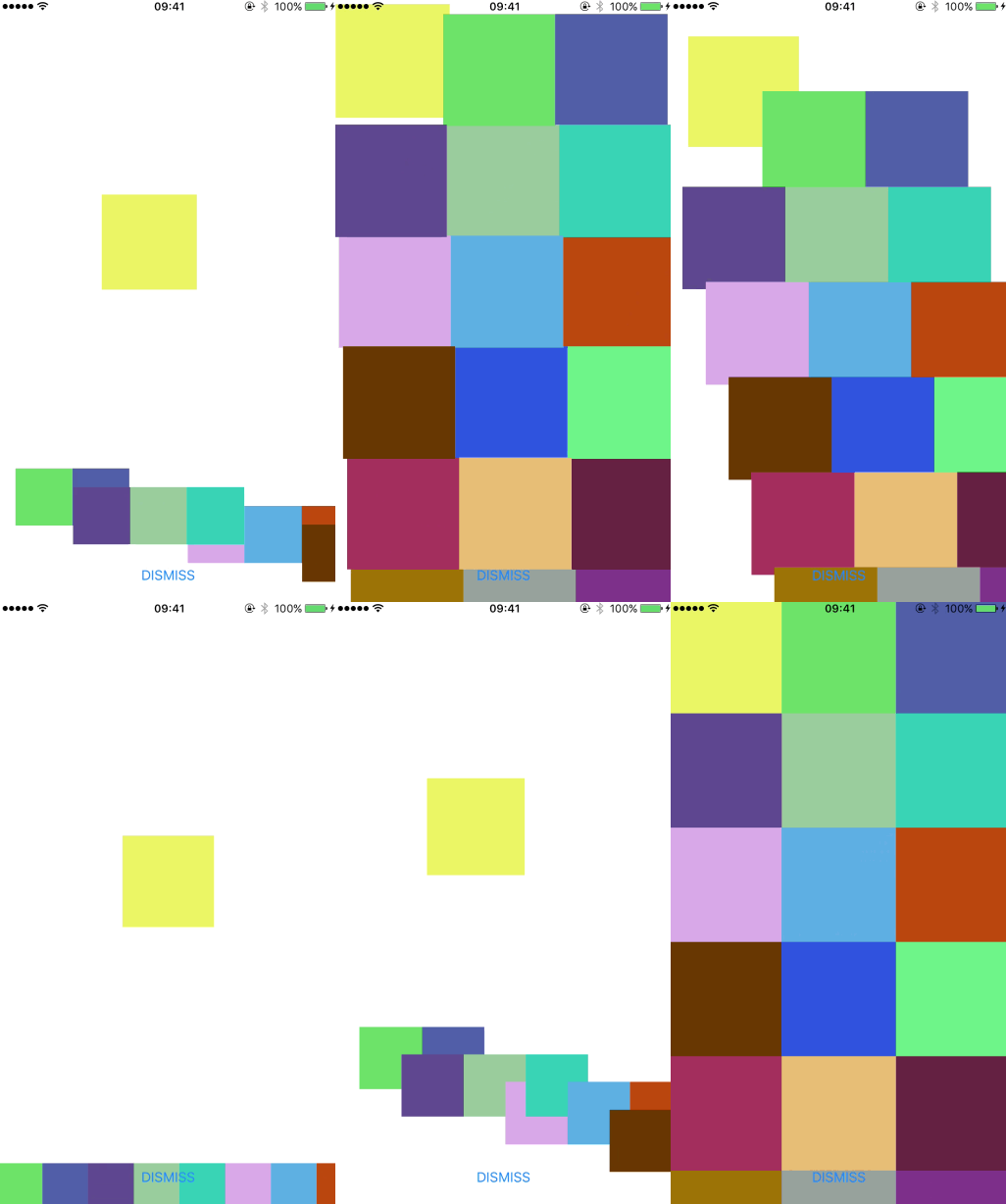
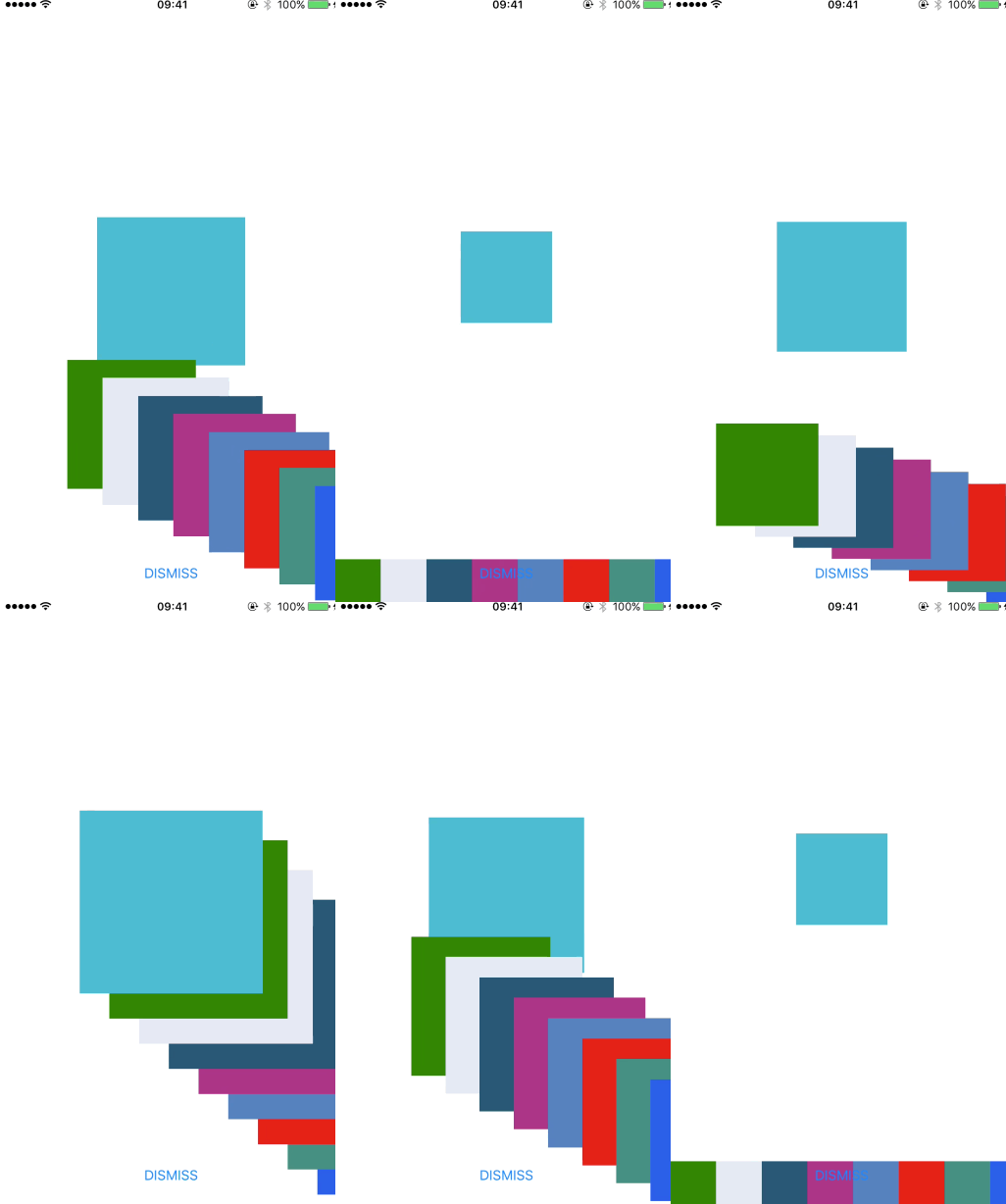
CollectionViewTransitionLayout — Demo README
| FlowAndStage | FlowAndTimeMachine | FlowAndCircle | StageAndTimeMachine |
|---|---|---|---|
 |
 |
 |
 |
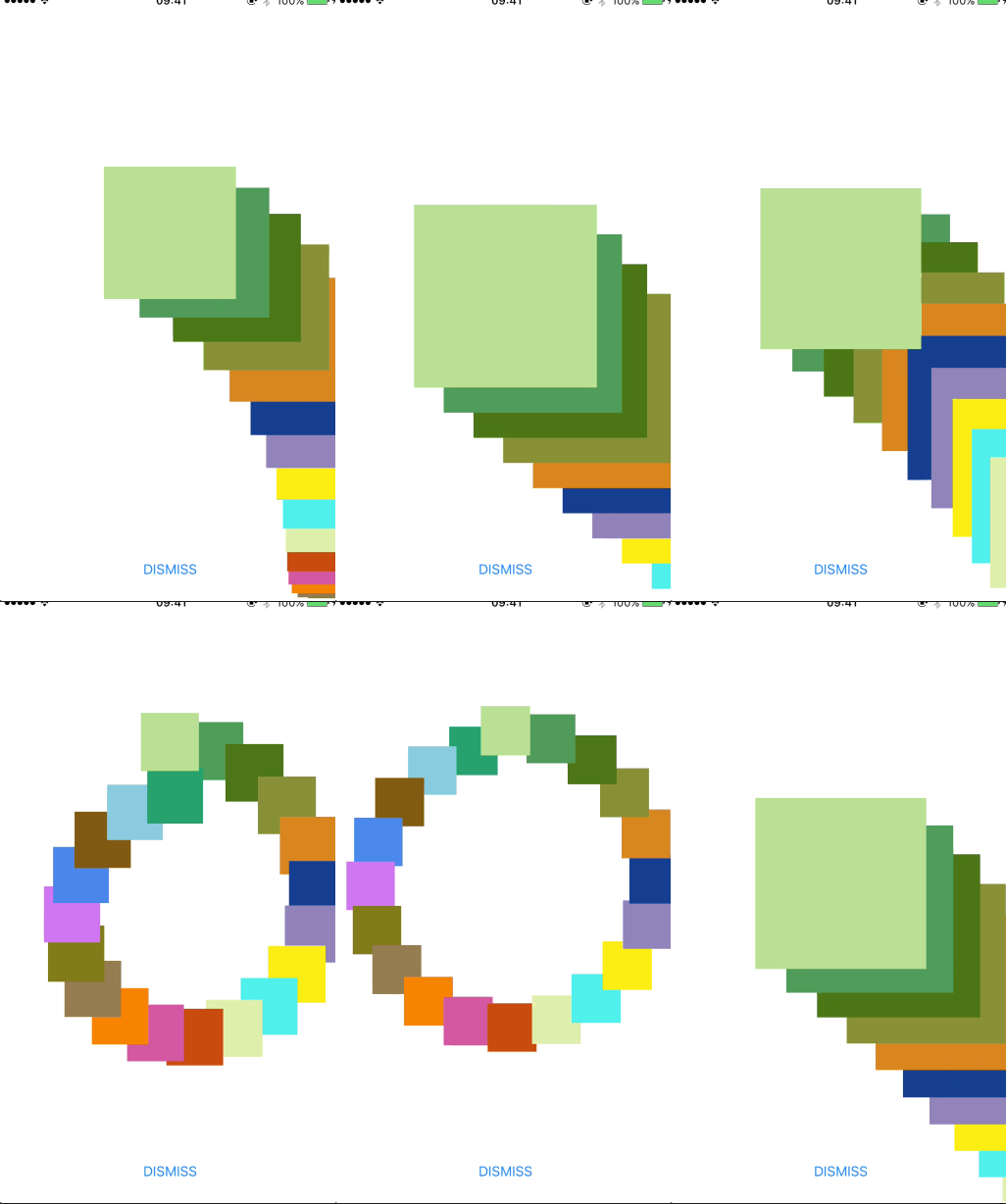
| StageAndCircle | TimeMachineAndCircle |
|---|---|
 |
 |
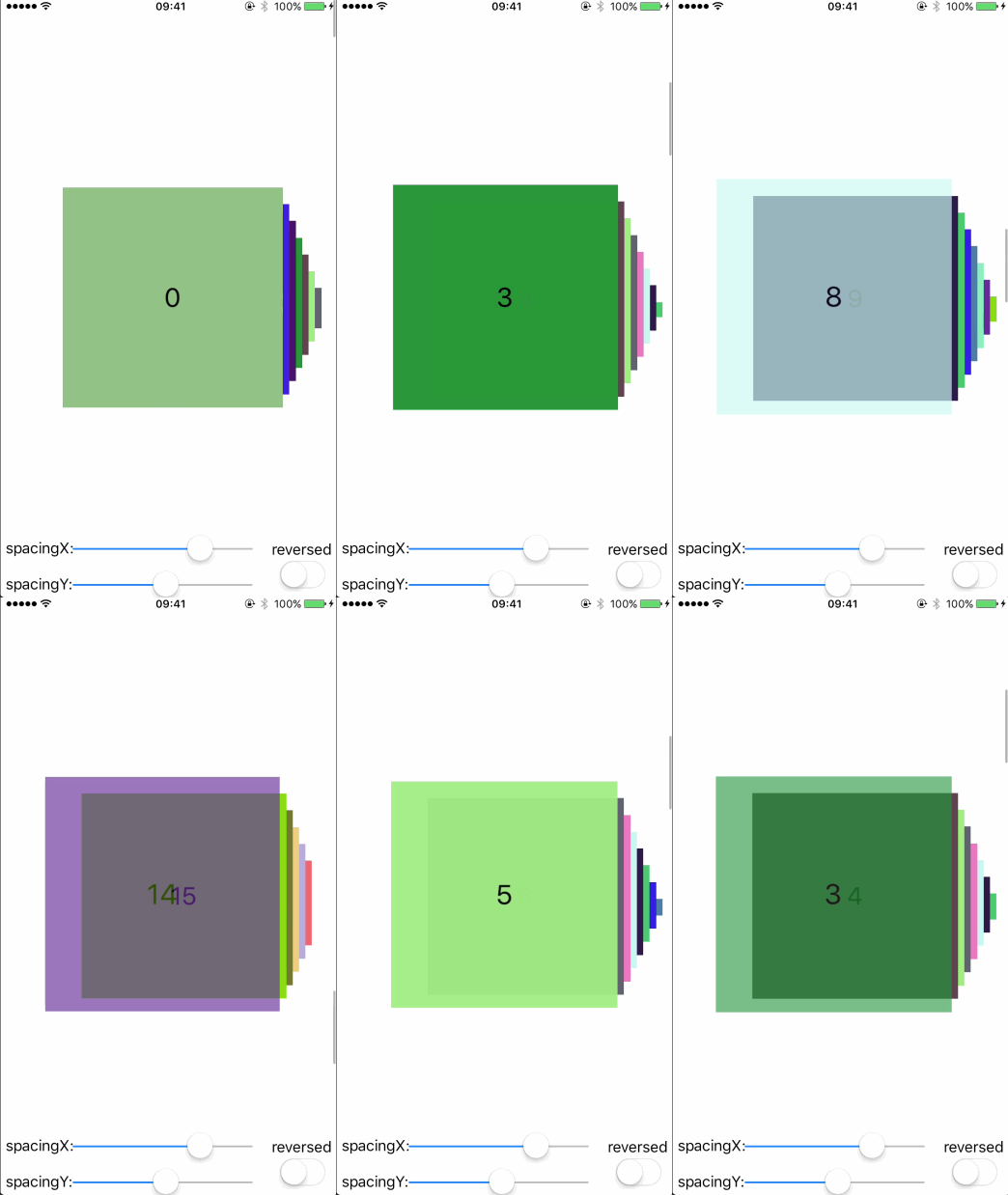
CollectionViewTimeMachineLayout — Demo README
| Left | Right | Top | Bottom |
|---|---|---|---|
 |
 |
 |
 |
| Reversed | |||
 |
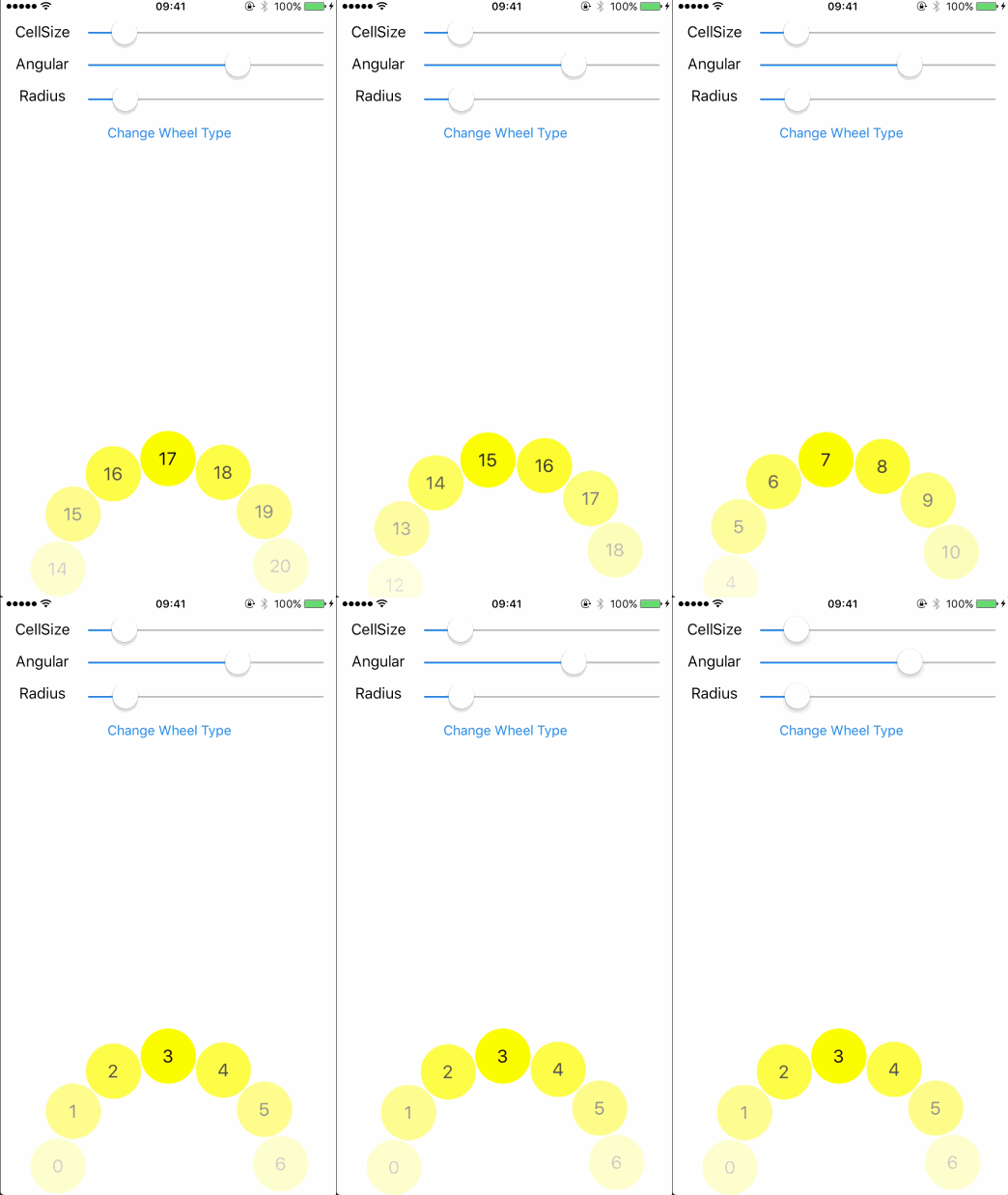
CollectionViewWheelLayout — Demo README
| LeftBottom | RightBottom | LeftTop | RightTop |
|---|---|---|---|
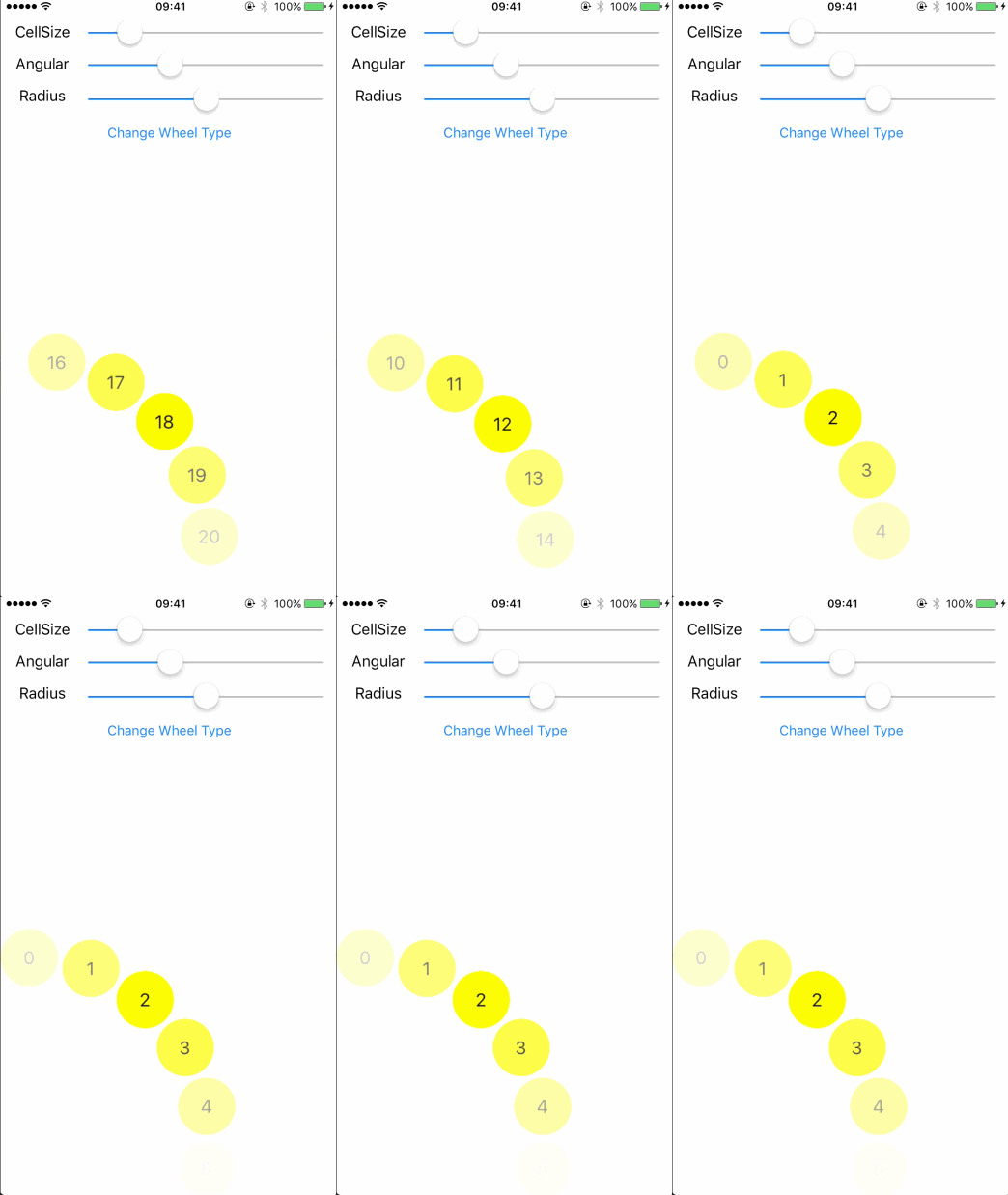 |
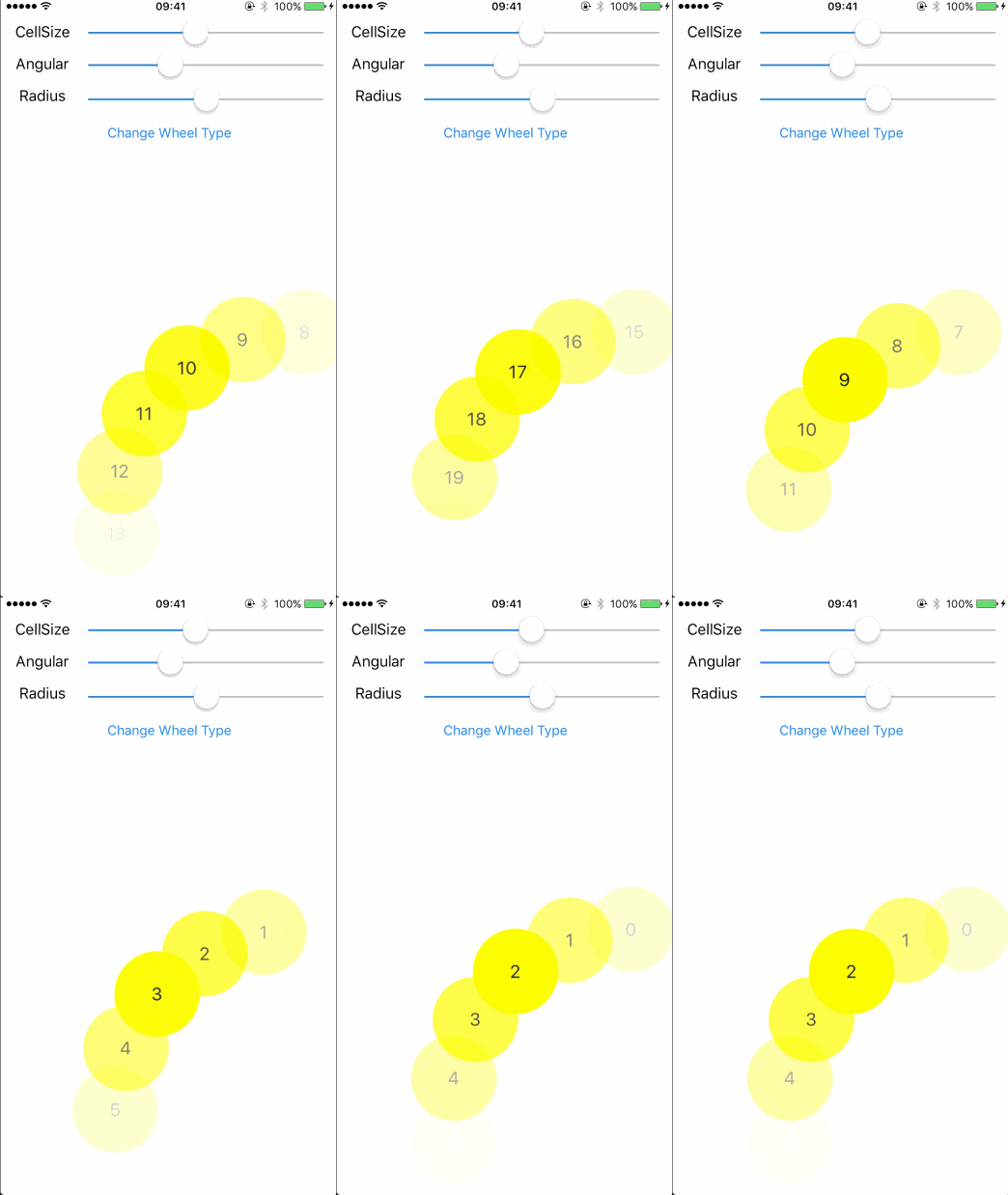 |
 |
 |
| LeftCenter | RightCenter | TopCenter | BottomCenter |
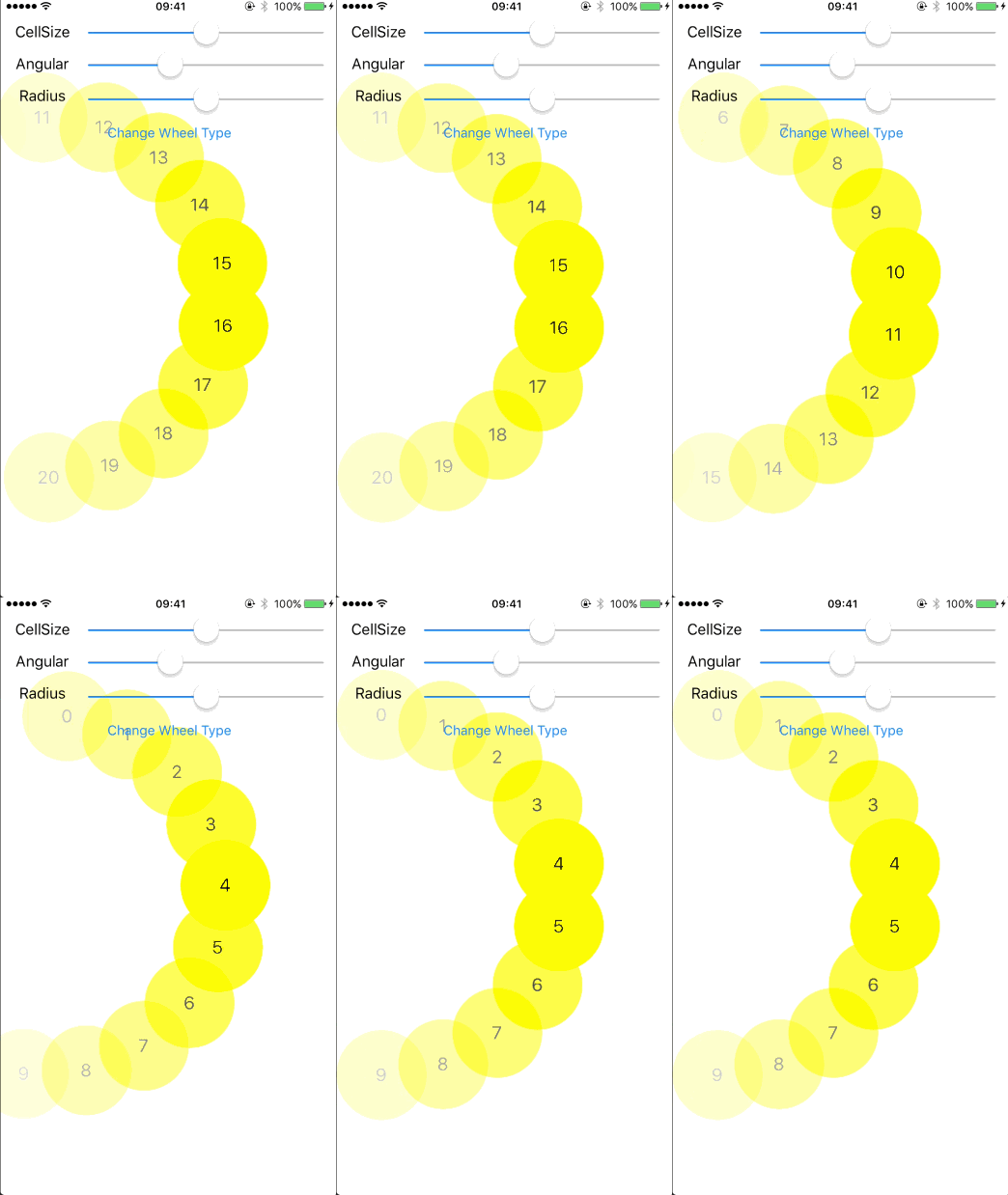 |
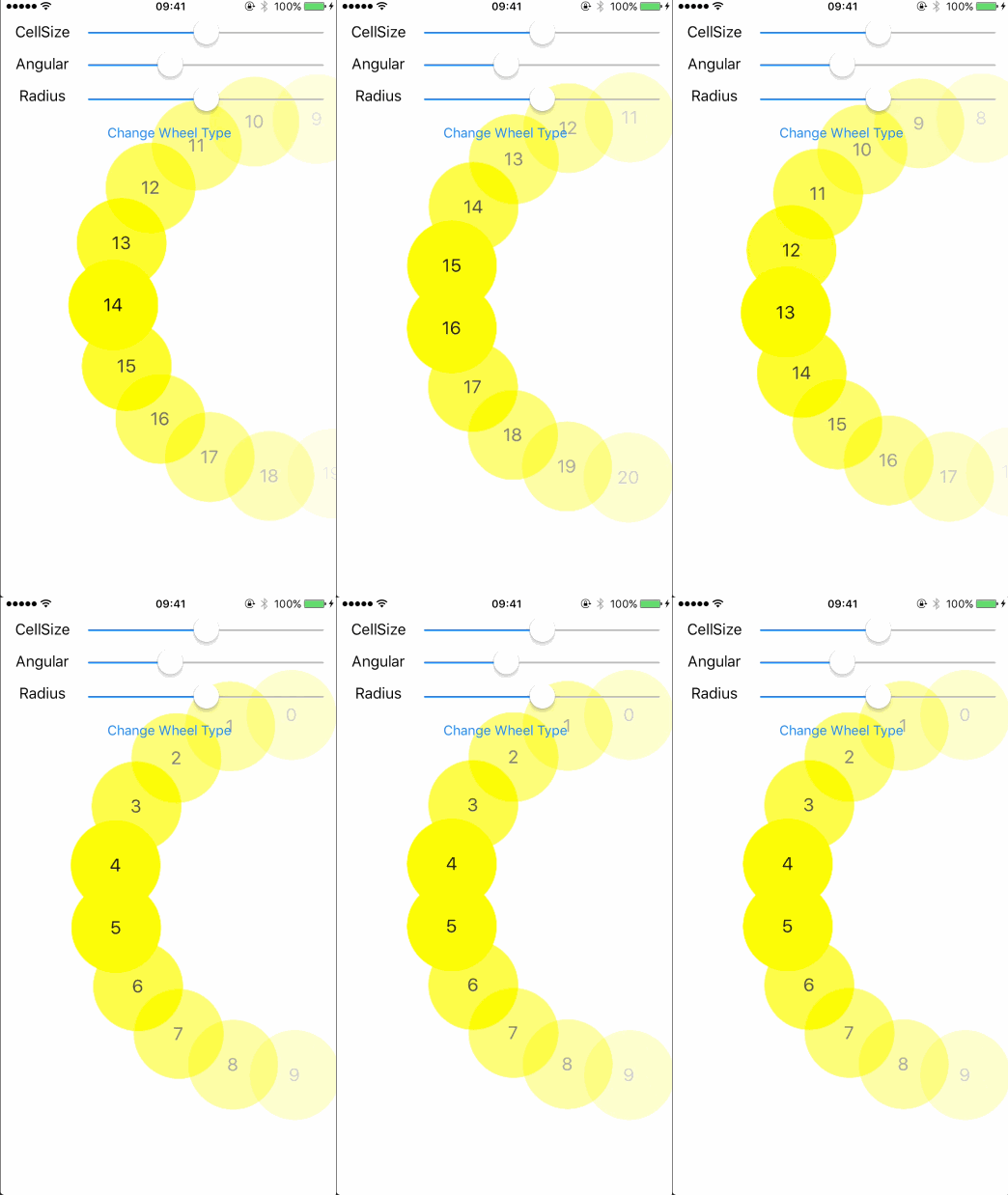 |
 |
 |
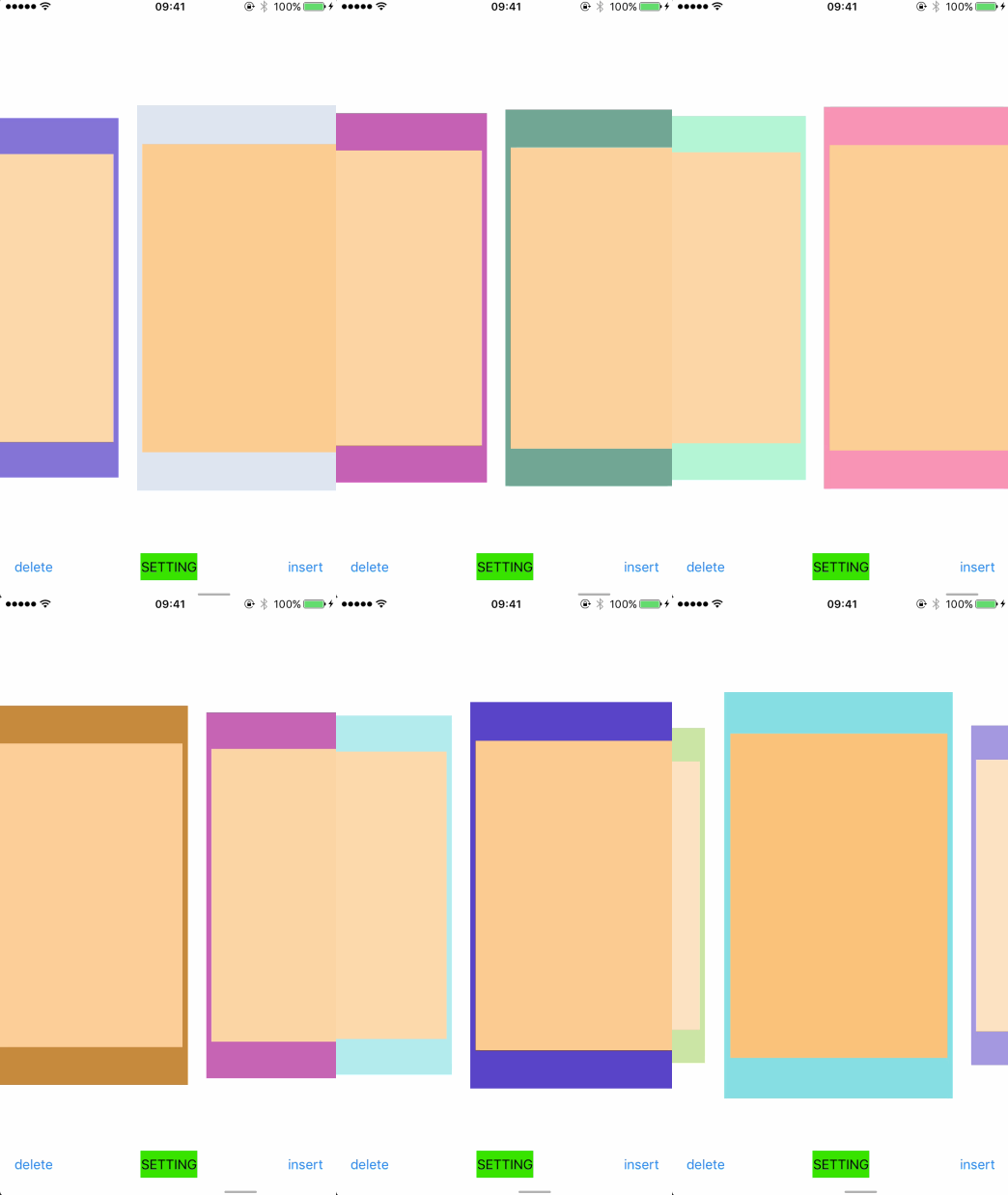
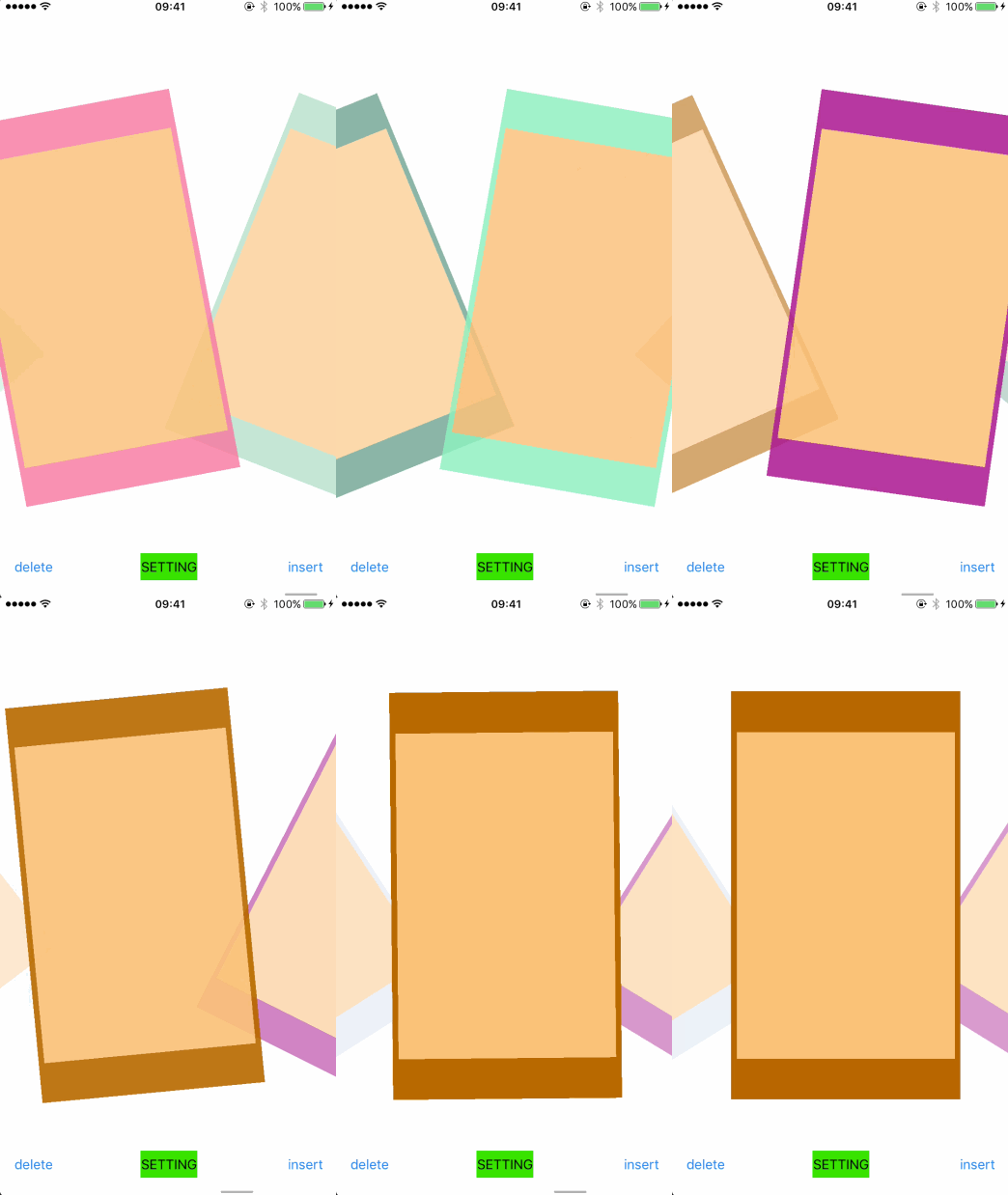
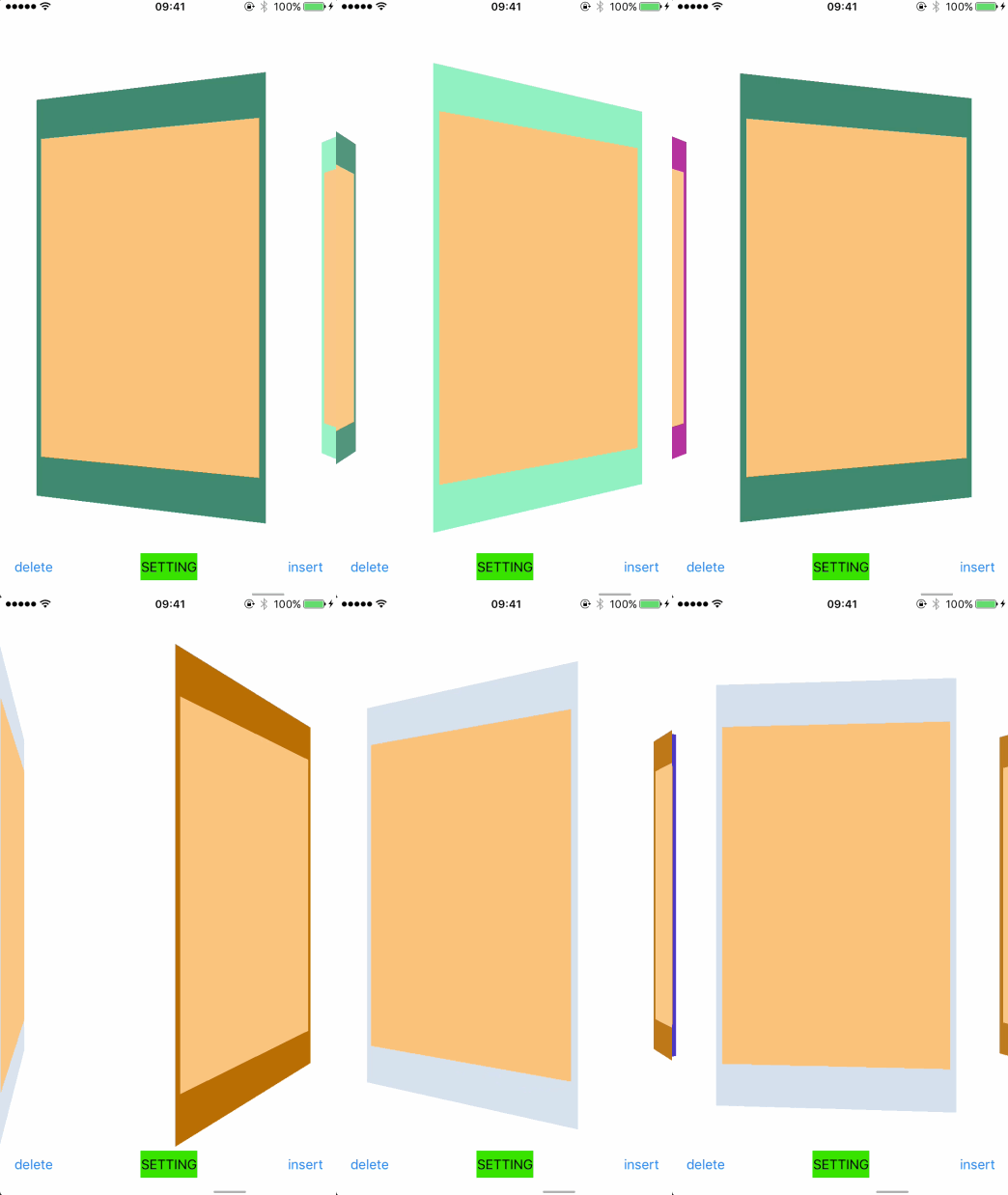
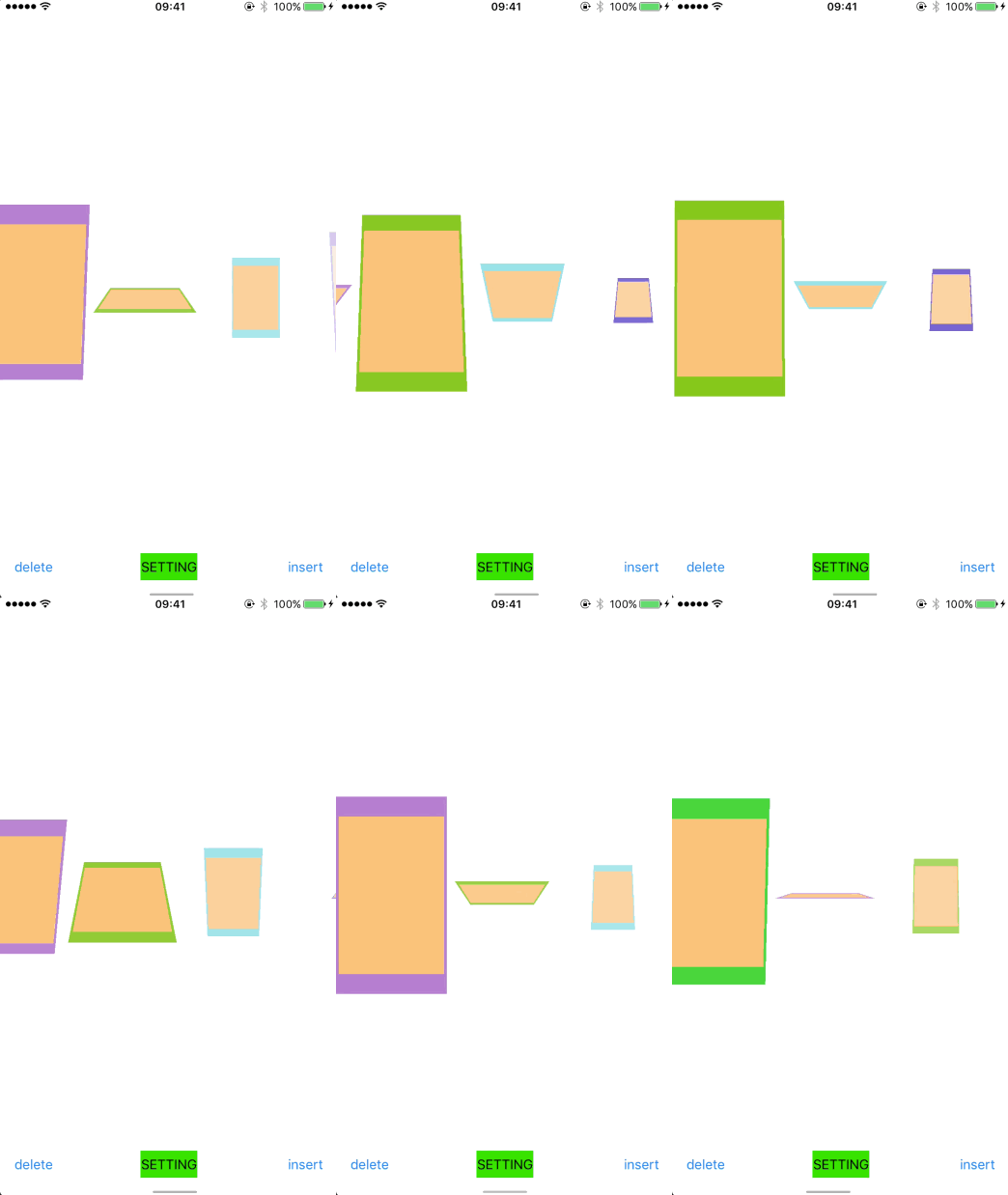
CollectionViewCardLayout — Demo README
| Zoominout | Rotateinout | Waltz | VerticalRotation |
|---|---|---|---|
 |
 |
 |
 |
| Cylinder | Somersault | Delete | Insert |
 |
 |
 |
 |
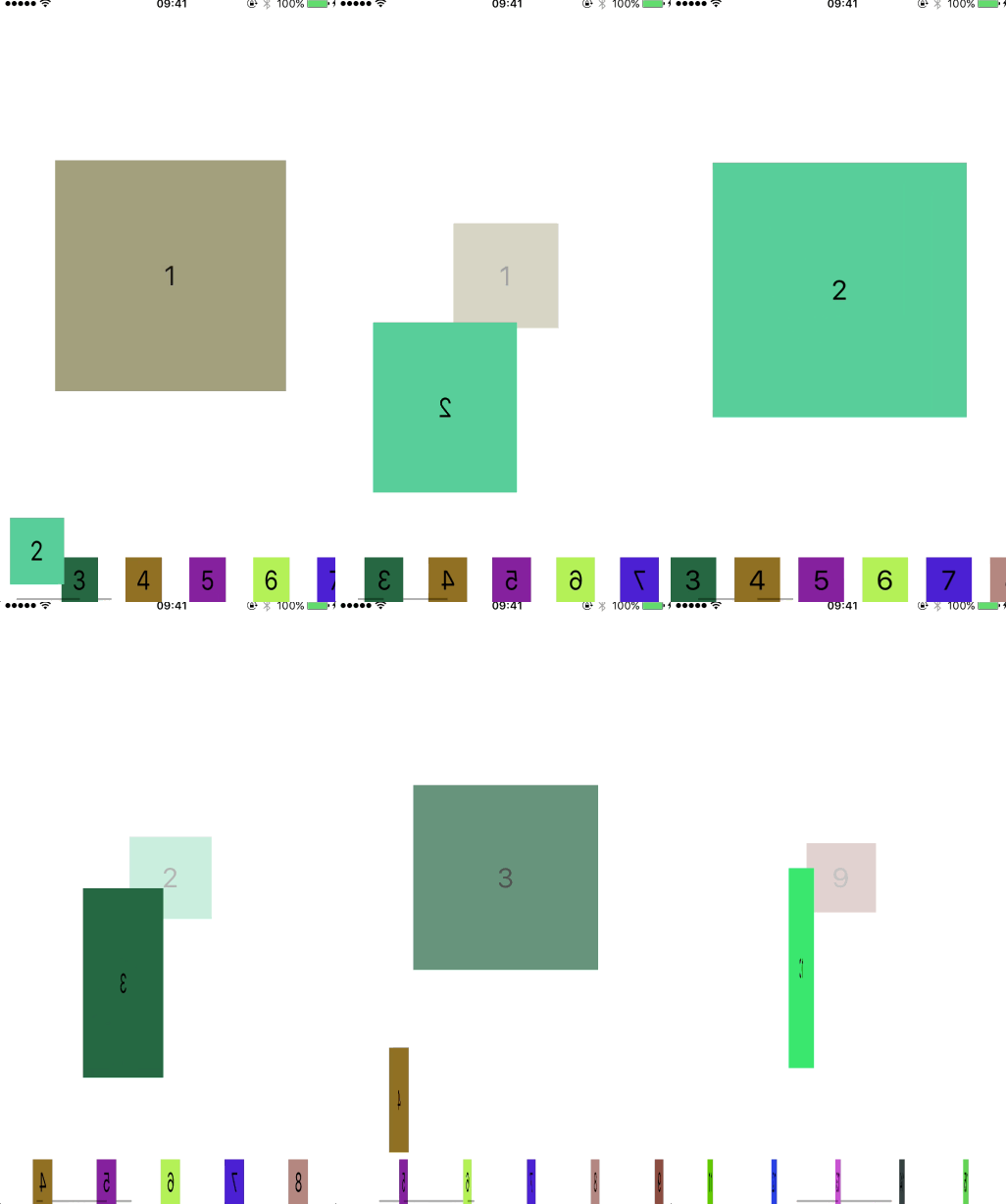
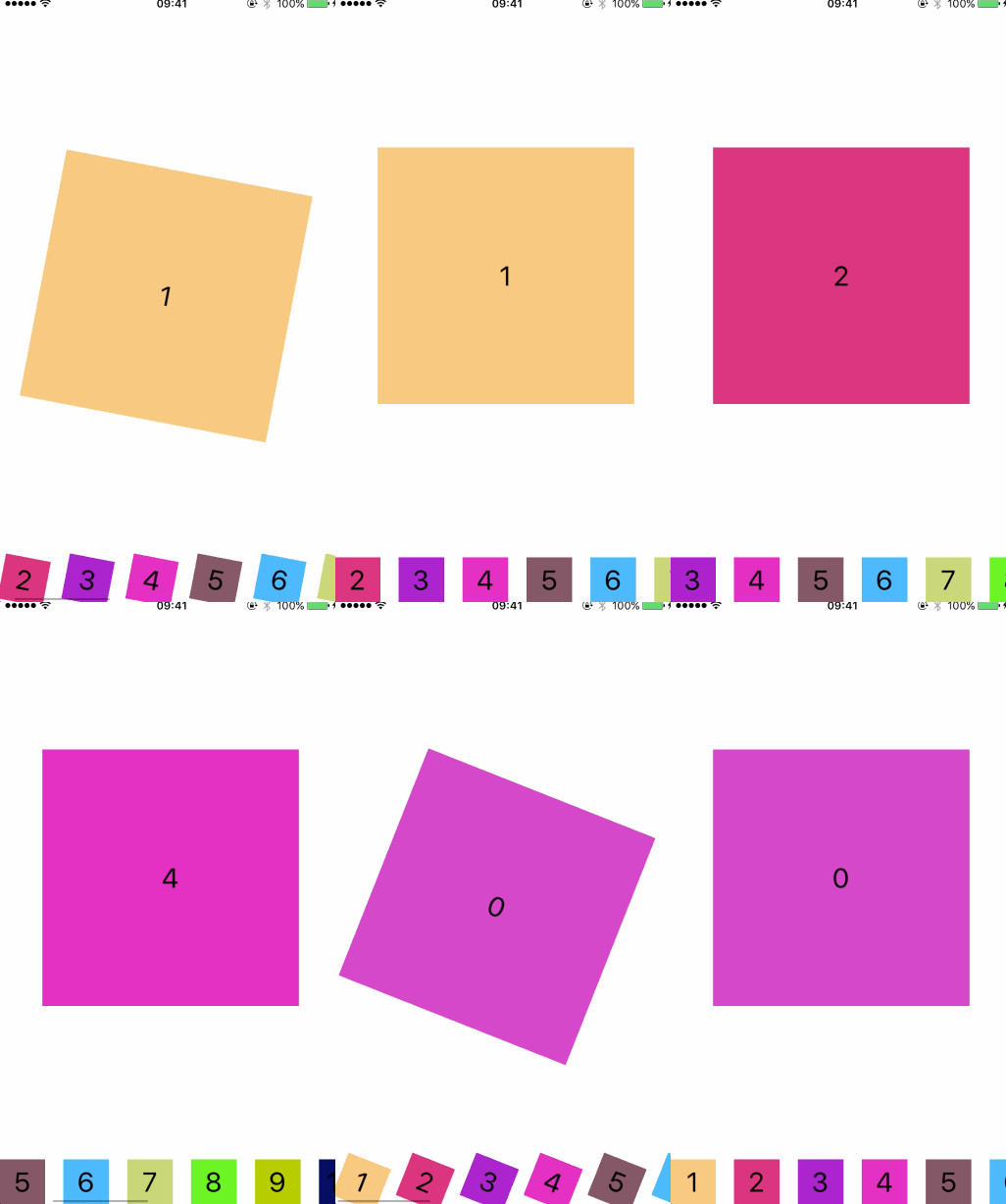
CollectionViewStageLayout — Demo README
| Waltz | Somersault | Blend | FadeAway |
|---|---|---|---|
 |
 |
 |
 |
CollectionViewCircleLayout — Demo README
| Circle | DeleteCustom | InsertCustom | InsertBase |
|---|---|---|---|
 |
 |
 |
 |
CollectionViewCaterpillarLayout — Demo README
| Caterpillar |
|---|
 |
| Requirement | Minimum Version |
|---|---|
| iOS | 14.0 |
| Swift | 5.0 |
| Xcode | 13.0 |
Note: All layouts currently support section 0 only.
Add the package to your Package.swift or via Xcode → File → Add Package Dependencies:
https://github.com/ParsifalC/CPCollectionViewKit
Add the following line to your Podfile:
pod 'CPCollectionViewKit', '~> 1.0'Then run:
pod installClone the repo, then from the desired demo directory run:
# Install bundler dependencies (CocoaPods 1.15)
cd /path/to/CPCollectionViewKit
bundle install

# Install pod dependencies for a specific demo
cd Demos/CPCollectionViewCardLayoutDemo
bundle exec pod install

# Open the workspace
open CPCollectionViewCardLayoutDemo.xcworkspaceThe following API names have been corrected in v1.0.0. Deprecated aliases remain available and will emit a compile-time warning guiding you to the new names:
| Old Name | New Name |
|---|---|
CardScrollDiretion |
CardScrollDirection |
MoveAnimationStyle.somefault |
MoveAnimationStyle.somersault |
WheelLayoutConfiguration.contentHeigthPadding |
WheelLayoutConfiguration.contentHeightPadding |
- Usage documentation & code snippets
- Support
CollectionViewCaterpillarLayoutdirection settings - Unit Tests
- Layout Transition
- More Delete/Insert Animations
- Swift Package Manager support
- Fix deprecated API usage
- Fix
layoutAttributesForElementsreturn bug inCollectionViewTransitionLayout
Parsifal, zmw@izmw.me
CPCollectionViewKit is available under the MIT license. See the LICENSE file for more info.