

Interactive platform for identifying and analyzing data structures in memory dumps.





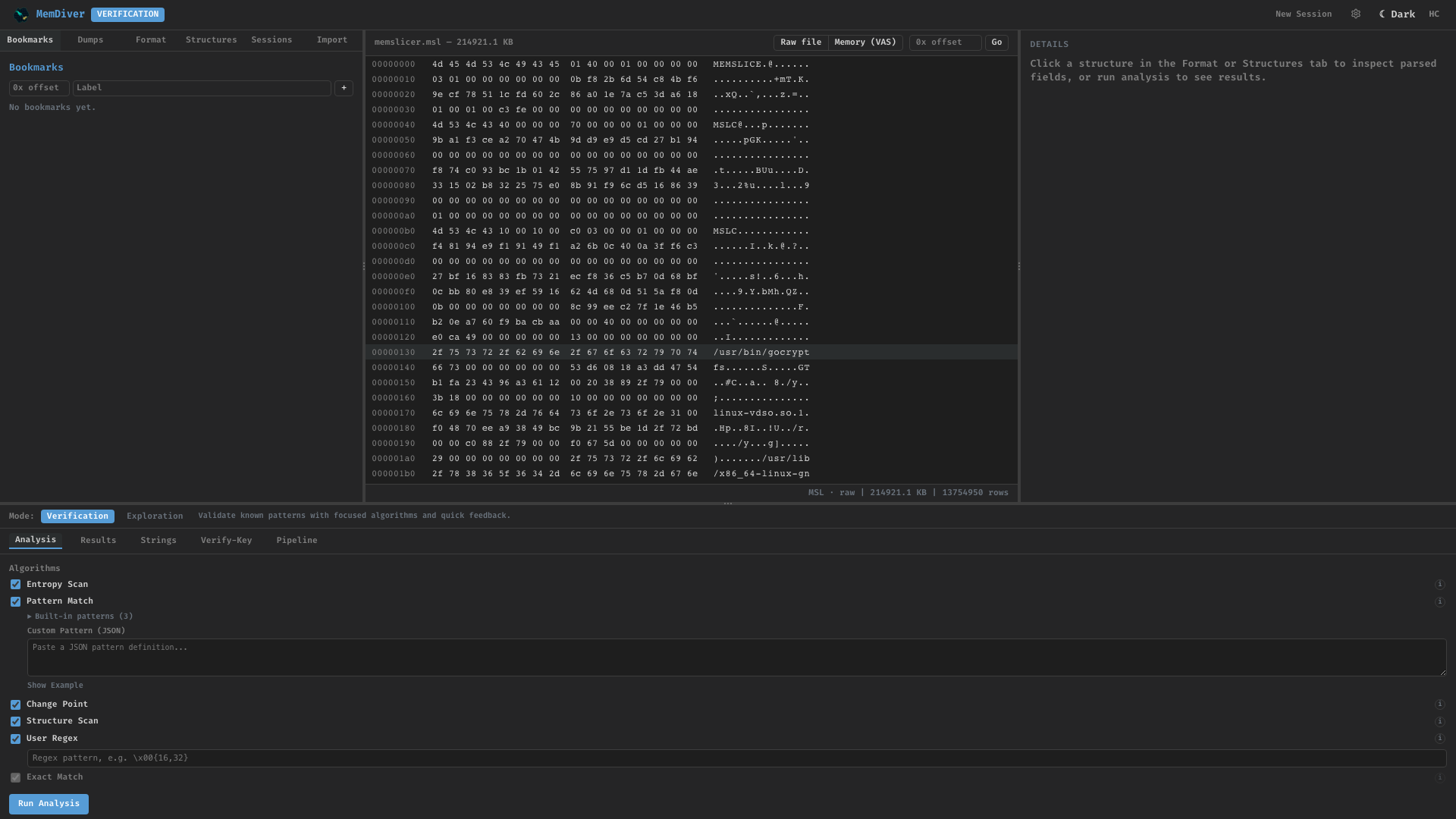
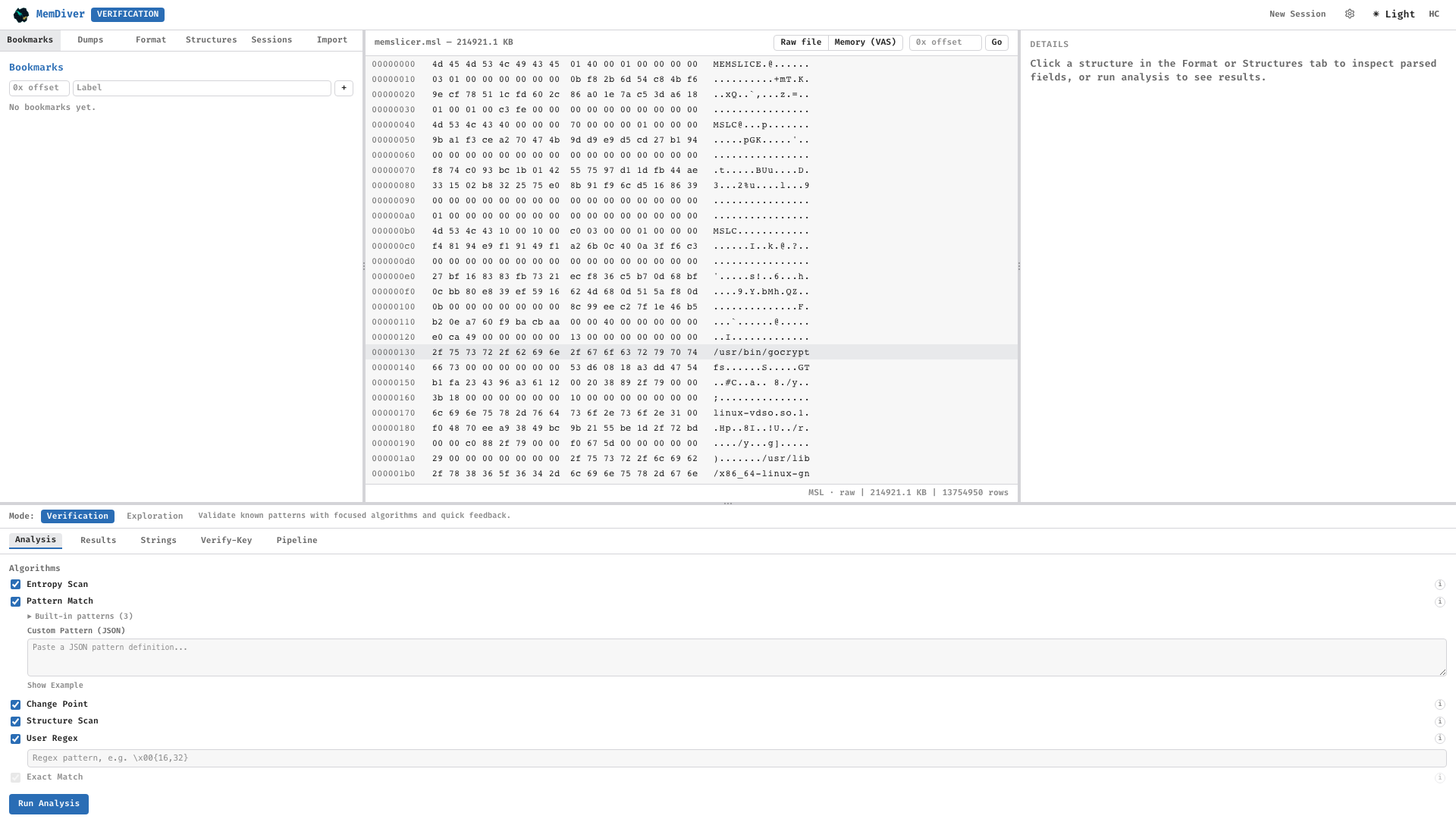
MemDiver workspace with a sample .msl capture loaded — dark and light themes side by side.
MemDiver is a browser-based workbench for exploring binary memory dumps. A FastAPI backend drives a React dockable workspace, with an optional Marimo sandbox for deeper research workflows and an MCP server that exposes the same analysis engine to AI assistants. For automation and integration into existing pipelines, MemDiver also runs in headless mode via a CLI.
It combines known-key search, entropy scanning, change-point detection, structural parsing, and cross-run differential analysis to locate and classify data structures in memory.
- Interactive workspace — React-based dockable UI for hands-on exploration
- Research sandbox — Optional Marimo environment for reproducible notebooks and custom analysis
- AI-assisted analysis — MCP server integration for use with Claude and other assistants
- Headless mode — CLI interface for CI/CD, batch processing, and integration into forensic pipelines
- Analysis engine — Known-key search, entropy scanning, change-point detection, structural parsing, and cross-run differential analysis
pip install memdiver                 # web UI + CLI + MCP server (everything runtime-side)
pip install "memdiver[experiment]"   # + frida-tools, memslicer for dump collection
pip install "memdiver[docs]"         # + Sphinx toolchain for building the docs site
pip install "memdiver[dev]"          # + pytest and contributor tooling
LLDB is installed via your operating system — Xcode Command Line Tools on macOS, apt install lldb on Debian/Ubuntu. memdiver experiment exits gracefully with an install hint when no backend is present.
# 1. Web app (FastAPI + React SPA, opens on http://127.0.0.1:8080)
memdiver                 # or: memdiver web

# 2. One-shot CLI analysis
memdiver analyze <library_dirs> --phase pre_abort --protocol-version TLS13

# 3. MCP server (stdio transport) — wire into AI assistants
memdiver mcp

# 4. Collect fresh dumps from a target process
memdiver experiment --target path/to/target.py --num-runs 10

# 5. Marimo research sandbox (houses the 5 deeper visualization views)
memdiver ui| Surface | Count | Location |
|---|---|---|
| Detection algorithms | 8 | algorithms/ — exact_match, entropy_scan, change_point, differential, constraint_validator, user_regex, pattern_match, structure_scan |
| CLI subcommands | 20 | cli.py |
| FastAPI routers | 12 + WebSocket | api/routers/ |
| MCP tools | 15 | mcp_server/ |
| Exporters | YARA · JSON · Volatility3 | architect/ |
| Dump backends | memslicer · lldb · fridump (Frida; not friTap) |
core/dump_driver.py |
| Visualization views | 4 SPA + 5 Marimo research-mode | frontend/ + ui/ |
Under the hood: DuckDB ProjectDB, .memdiver SessionStore, Welford incremental consensus, Aho-Corasick multi-pattern scan, Kaitai Struct binary-format parsers, ASLR-aware region alignment, auto-discovered KDF plugins, BYO decryption oracles, first-class Volatility3 plugin emission.
Add this block to ~/Library/Application Support/Claude/claude_desktop_config.json (macOS) or the equivalent on your OS:
{
  "mcpServers": {
    "memdiver": { "command": "memdiver", "args": ["mcp"] }
  }
}
Restart the MCP client — the 15 MemDiver tools (scan_dataset, analyze_library, get_entropy, brute_force, emit_plugin, …) appear in the tool picker.
All 20 subcommands exposed by cli.py:
| Detection & analysis | Consensus (Welford) | Pipeline (Phase-25) | Format conversion | Runtime shells |
|---|---|---|---|---|
analyze · scan · batch · verify |
consensus · consensus-begin · consensus-add · consensus-finalize |
search-reduce · brute-force · n-sweep · emit-plugin |
export · import · import-dir |
web · ui · app · mcp · experiment |
Run memdiver <cmd> --help for any of them, or see the full CLI reference.
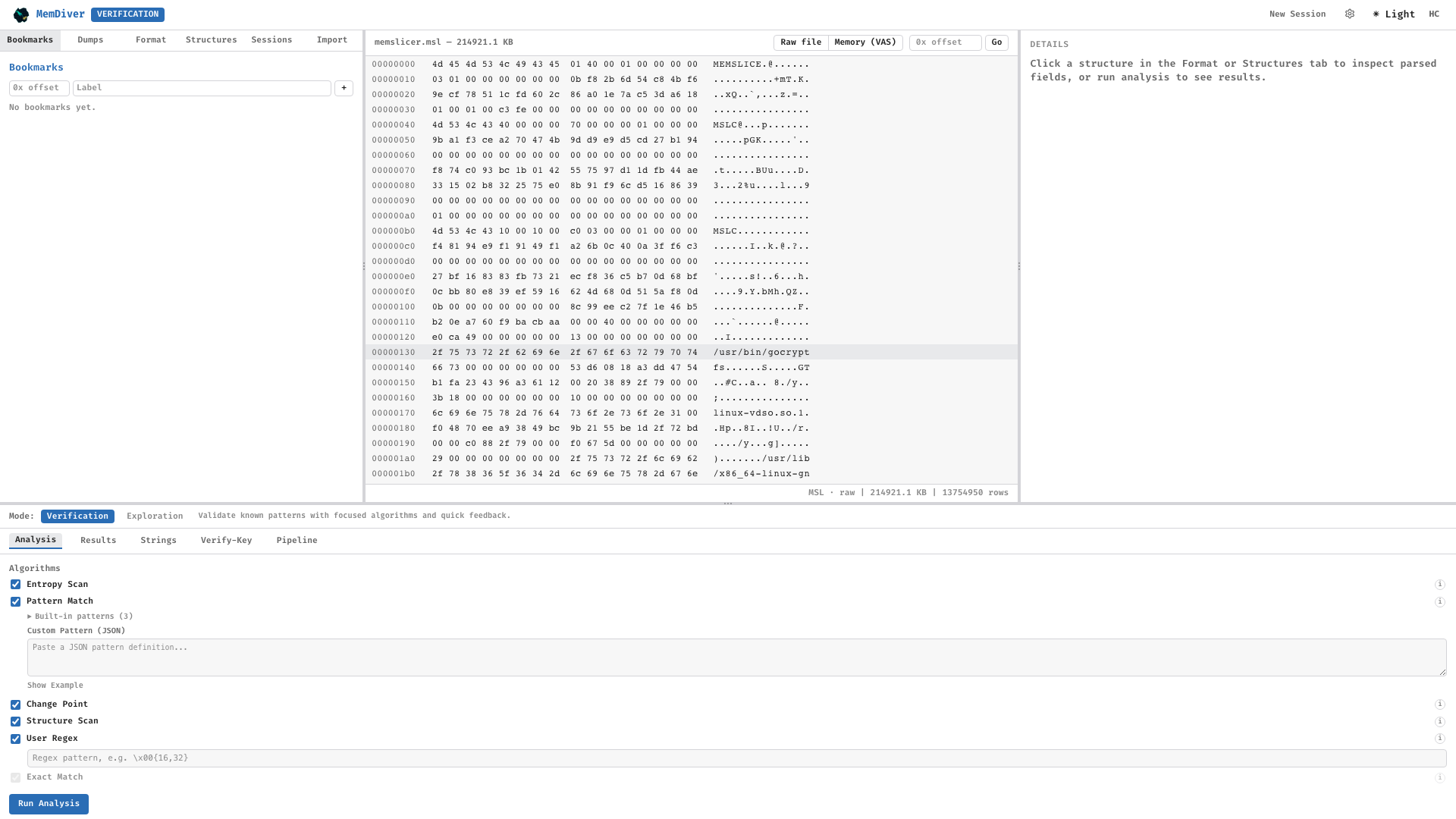
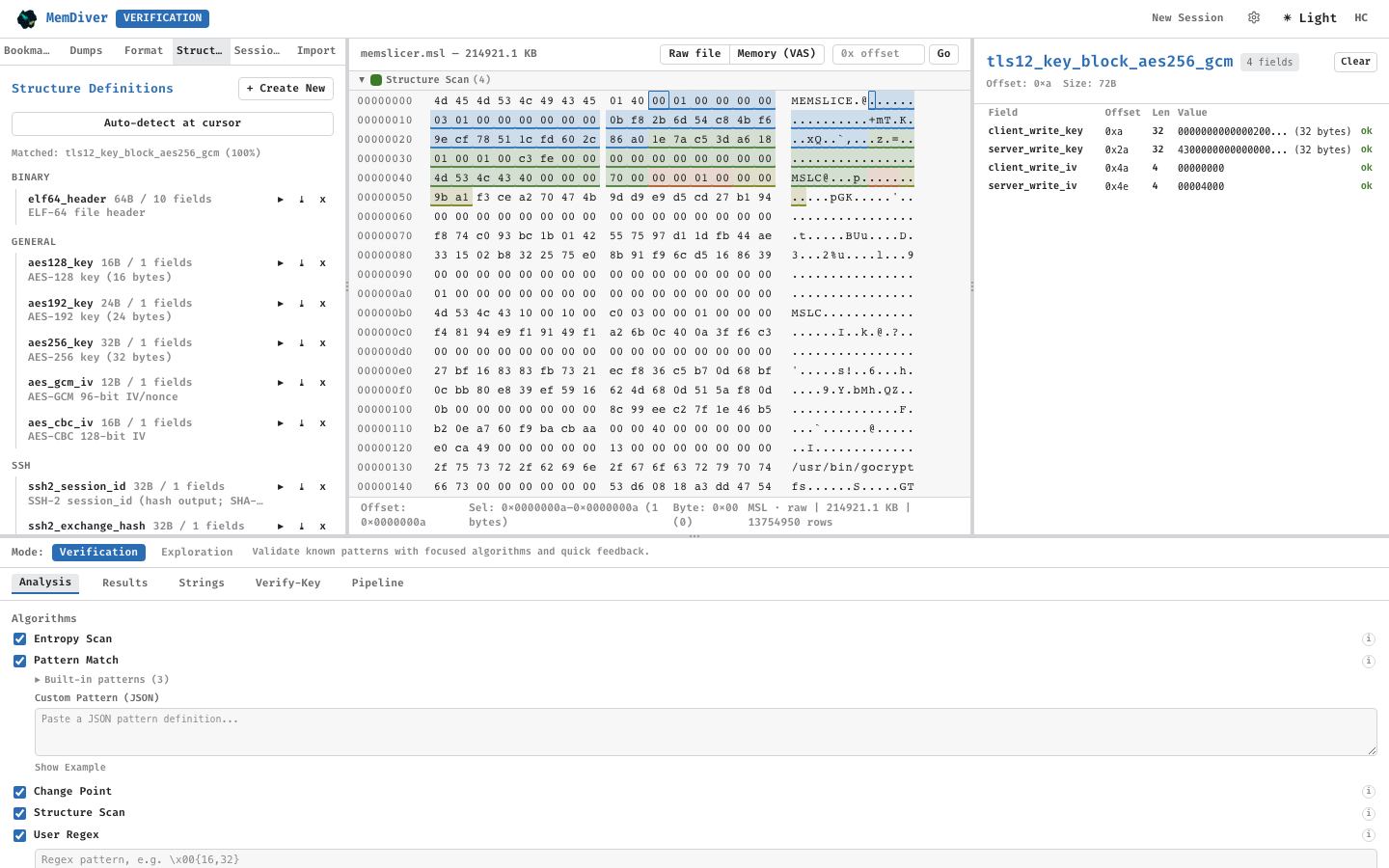
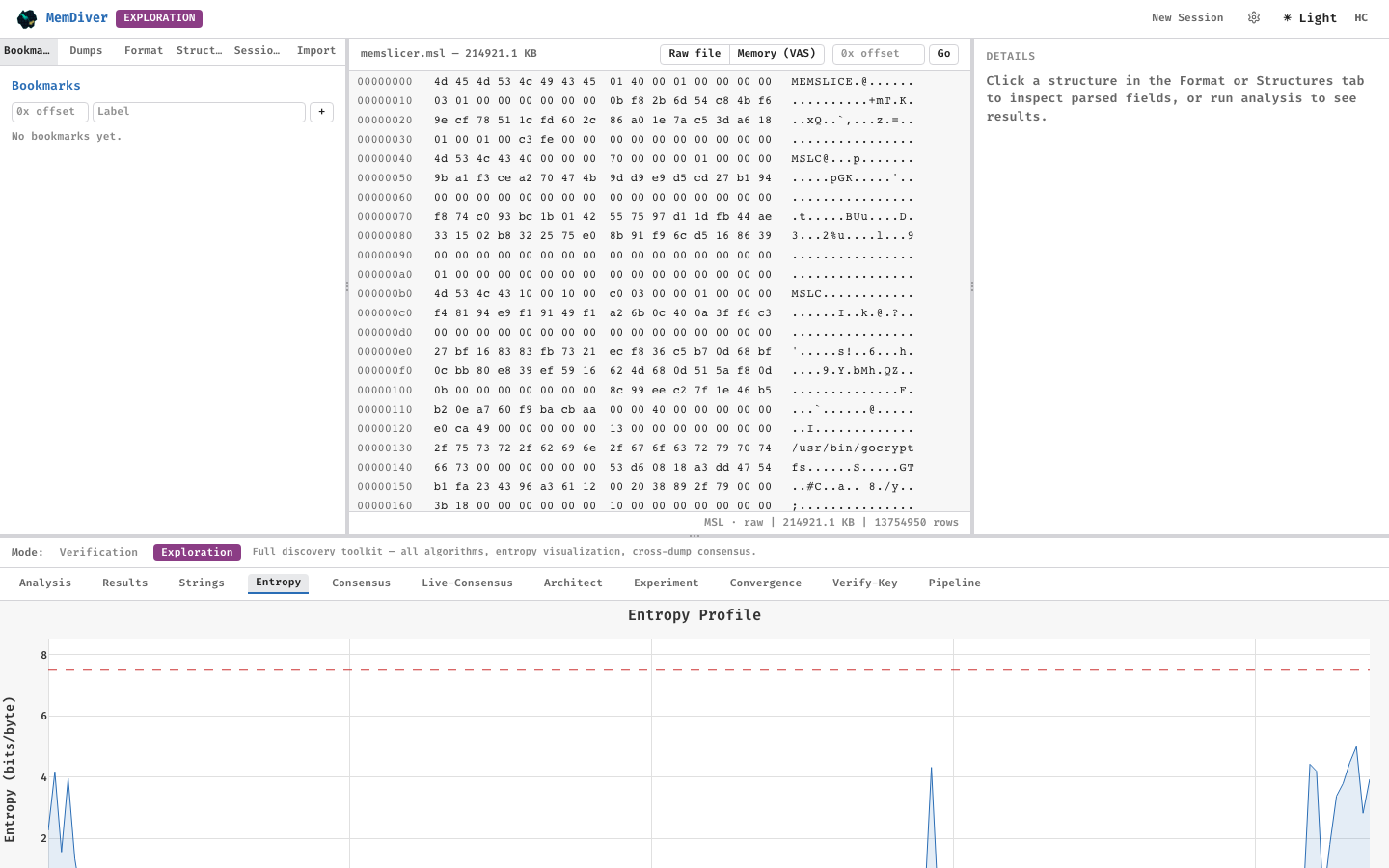
| Workspace | Hex + overlay | Entropy | Consensus |
|---|---|---|---|
 |
 |
 |
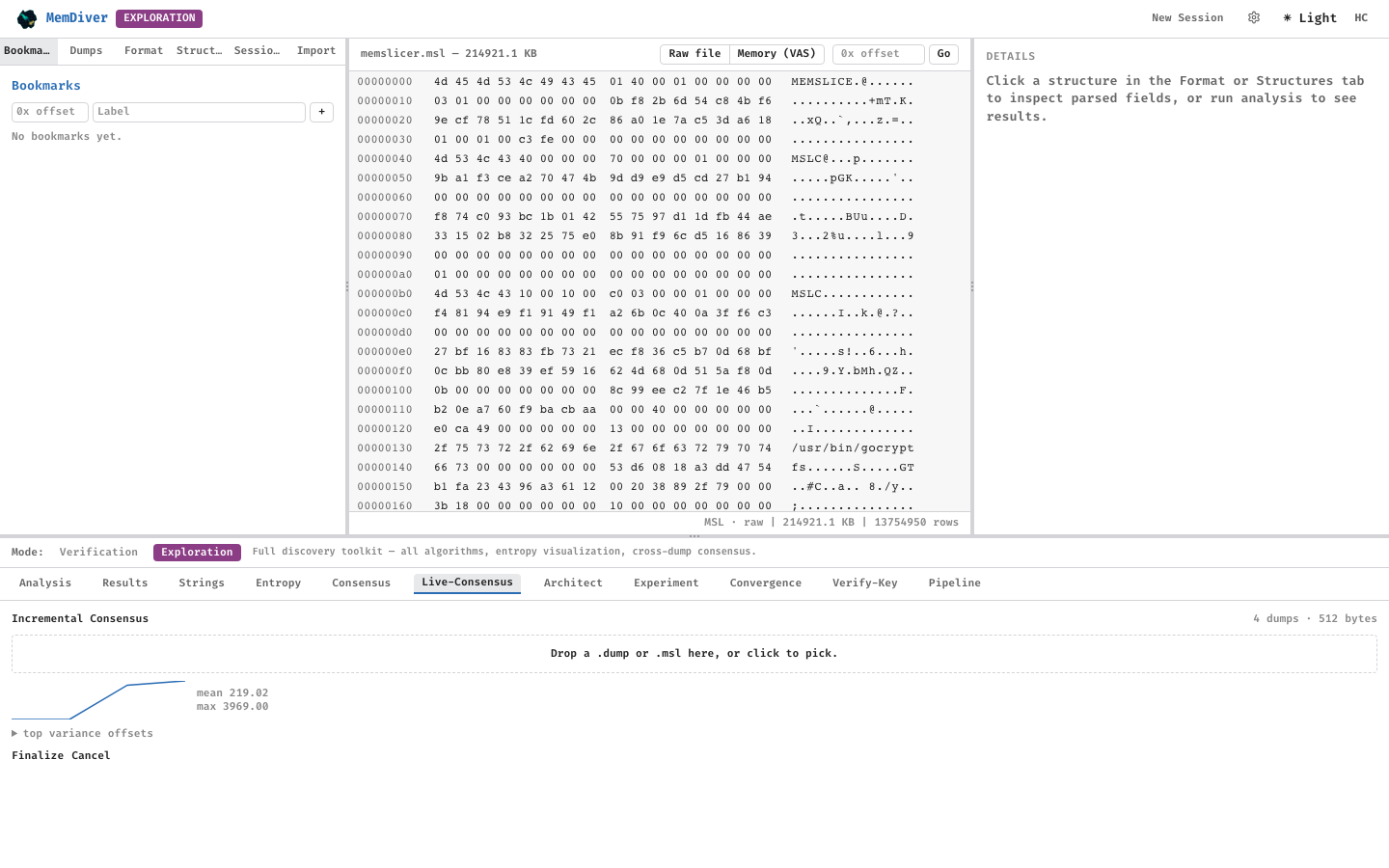 |
Screenshots regenerate deterministically via the Playwright harness under docs/screenshots/. Pipeline shots 09 and 10 use precomputed n-sweep fixtures produced by scripts/precompute_pipeline_fixtures.py against the gocryptfs reference dataset.
The four analysis charts — Entropy, Variance Map, VAS, and the Pipeline Survivor Curve — ship with two interchangeable renderers:
- Plotly (default) — full interactive experience with pan/zoom/legend-toggle and a ~2.3 MB bundle.
- SVG — hand-rolled React + SVG with hover tooltips but no pan/zoom, zero runtime dependencies, code-split so users who stay on SVG never download the Plotly chunk.
Switch via Settings → Display → Chart backend. The preference persists per-browser. No reload required. Both backends share the same theme tokens so dark/light/high-contrast behaviour is identical.
- Full documentation — https://memoryslice.github.io/MemDiver/
- Architecture deep-dive — https://memoryslice.github.io/MemDiver/architecture/index.html
- Algorithm reference — https://memoryslice.github.io/MemDiver/algorithms/index.html
- Contributing — https://memoryslice.github.io/MemDiver/contributing/index.html
- Changelog — CHANGELOG.md
api/            FastAPI backend — 12 routers + WebSocket, OpenAPI docs at /docs
frontend/       React + Vite SPA (TypeScript, Tailwind, Zustand) — dockable workspace
core/           Stdlib-only data layer (models, discovery, parsing, entropy, KDF, variance, ASLR alignment)
engine/         Differential Engine — ConsensusVector (Welford), SearchCorrelator, DiffStore,
                ProjectDB (DuckDB), SessionStore (.memdiver), oracle loader, Vol3 plugin emission
algorithms/     8 algorithms auto-discovered via pkgutil registry
harvester/      Data ingestion — DumpIngestor, SidecarParser, MetadataStore
architect/      Pattern Architect — static checker + generator + YARA / JSON / Volatility3 exporters
msl/            Memory Slice (.msl) v1.1.0 — hand-rolled container with BLAKE3 integrity chain
mcp_server/     MCP server — 15 tools exposed to AI assistants
ui/             Marimo research sandbox (houses the 5 deeper views) + legacy NiceGUI shell
docs/           Sphinx site (Read the Docs theme), published to GitHub Pages via docs.yml
MemDiver reads and writes the open Memory Slice (.msl) container — a self-describing, integrity-chained snapshot format for process memory and sidecar metadata. The on-disk layout, capability bits, and conformance fixtures live in the dedicated specification repository so other tools can interoperate without depending on MemDiver itself:
- Specification & fixtures — https://github.com/MemorySlice/memslice-spec
The Python reader/writer in msl/ tracks that spec; see
docs/file_formats/msl_v1_0_0.md for the
in-repo summary used by this codebase.
- Bump
versioninpyproject.tomland move the[Unreleased]block inCHANGELOG.mdunder a new version heading. - Commit and tag:
git tag vX.Y.Z && git push origin vX.Y.Z. .github/workflows/publish.ymlbuilds the React bundle, runspython -m build, and publishes to PyPI via OIDC trusted publishing (no token)..github/workflows/docs.ymlrebuilds the Sphinx site and deploys to https://memoryslice.github.io/MemDiver/.- For a pre-release dry run:
gh workflow run publish.yml— theworkflow_dispatchtrigger publishes to test.pypi.org via thetestpypienvironment.
Apache License 2.0 — see LICENSE.
A formal citation (DOI) will be minted when the accompanying study is published. Until then, please cite the GitHub Releases page for the specific MemDiver version you used:
https://github.com/MemorySlice/MemDiver/releases
and reference the project URL https://github.com/MemorySlice/MemDiver.